For agencies, studios and freelancers
Win clients with a finished site, not a mockup.
Pitch prospects with a redesign of their own website, send three real designs on a board, collect comments pinned to the page, then launch and run the retainer, all under your brand. Drafts, designs and revisions are free. A site costs $20 a month when it goes live.
No card to start$20/month per live siteYour brand with the Agency add-on
The part that changes the maths
Speculative work stops costing you money.
Pitching used to mean hours of unpaid design. Here the draft, the designs, the revisions and the review link cost nothing. You pay when a client's site goes live, and you set your own price on top.
$0
to pitch, build and revise
Drafts and design rounds are never billed.
$20
a month per live site
Whatever is on it. No page counts or visitor tiers.
50
drafts on Pro
Keep every pitch open until the client decides.
Win the client
Agency add-onShow prospects their new site before they hire you.
Paste a prospect's current website and Mondovo redesigns it from their own pages and content. Send them the preview with your price on it. When they like it, they claim the site and you have the project.
- Their content, a better siteBuilt from the prospect's real pages, so they see their own business, not a template.
- Your offer on the previewYour setup fee and monthly price sit next to the design, with one button to claim it.
- Find who to pitchSearch local businesses, grade their current sites, send outreach and handle replies in one inbox.
Propose
Three real designs and a proposal, on one board.
Pin the designs to a board and share one link. The client votes and comments, picks a direction, and accepts a proposal written from the approved plan. You fill in the prices.
- Three directions, one content planEvery design uses the same approved pages and words. The client chooses a look, not a different set of promises.
- Votes and comments on the boardNo more "which one did you mean?" emails. Their choice is recorded and applies straight to the site.
- A proposal they accept onlineScope and timeline are drafted for you. Save it as a template for the next client, or export it as a PDF.
Client review
They click the thing they want changed.
Send a review link that works on desktop and mobile. Your client clicks any element and leaves a note on it. The comment arrives in your workspace attached to that element, so "make the header better" becomes a specific fix on a specific thing.
- Comments pinned to the elementNot a screenshot with an arrow drawn on it, and not a paragraph in an email thread.
- Resolve and they hear about itMark a comment resolved and the client is told it is done.
- Nothing is lost when they change their mindEvery edit is in version history, and the designs they did not pick stay available.
Your brand, not ours
Agency add-on · $99/monthClients see your agency on every screen.
Put your name, logo and colours on the review links, the client portal and the notification emails, and run the dashboard on your own domain. Published client sites carry no Mondovo credit.
- Review links and boardsThe link you send says your agency's name, on your domain.
- A client portal under your nameClients see their enquiries, edits and analytics in a portal with your branding.
- Emails from youNotifications to clients carry your logo and your name.
Every client in one place
Switch clients, not tools.
Each client has their own sites, brand, boards, inbox and marketing in your workspace. When you hand over, give the client their own simple editor and decide what they can change.
- A workspace per clientSites, enquiries, posts and approvals for one client, without digging through another's.
- A simple editor for the clientThey update their own hours and prices. You choose whether they can publish.
- Your team insideThree team members included, and every change shows who made it.
Keep the retainer
Run their posts, emails and follow-ups too.
A launched site is where the retainer starts. Each client has their own posting calendar, email campaigns and creative in your workspace, so the monthly work sits next to the site you built.
- A posting calendar per clientPosts published to the client's connected Facebook, Instagram, LinkedIn and YouTube accounts when you queue them.
- Email from the client's own domainCampaigns and follow-ups sent from a sending account on their verified domain.
- Creative in their coloursPosts, ads, reels and a logo from Creative Studio, shared on a board for approval.
Run it from your AI
Brief Claude or ChatGPT, and the work lands in Mondovo.
Connect Mondovo to the assistant you already use. Create a client site from a brief, compare designs, refine a page and plan their posts from one conversation. API access comes with the Agency add-on.
By kind of agency
Find the page written for how you work.
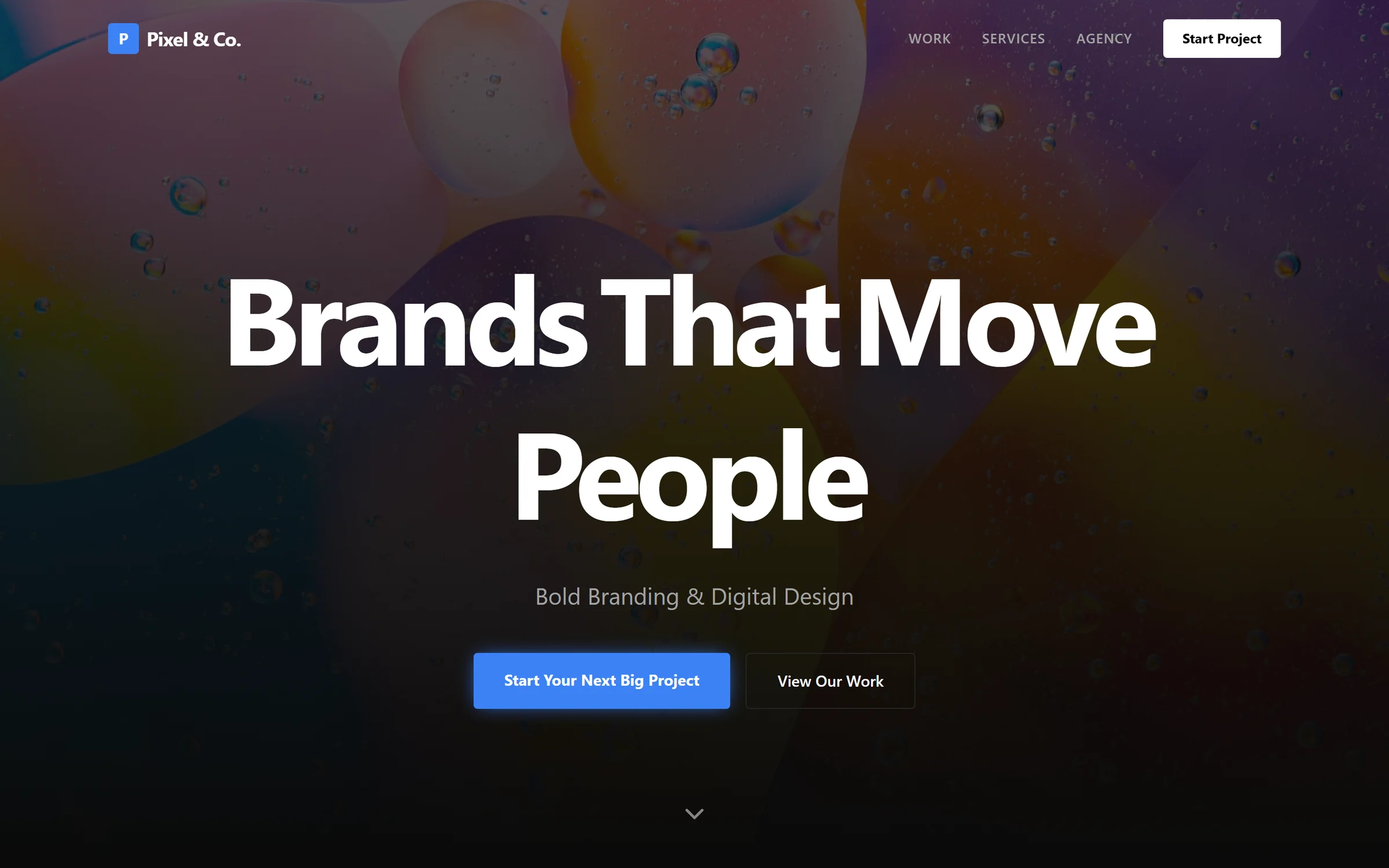
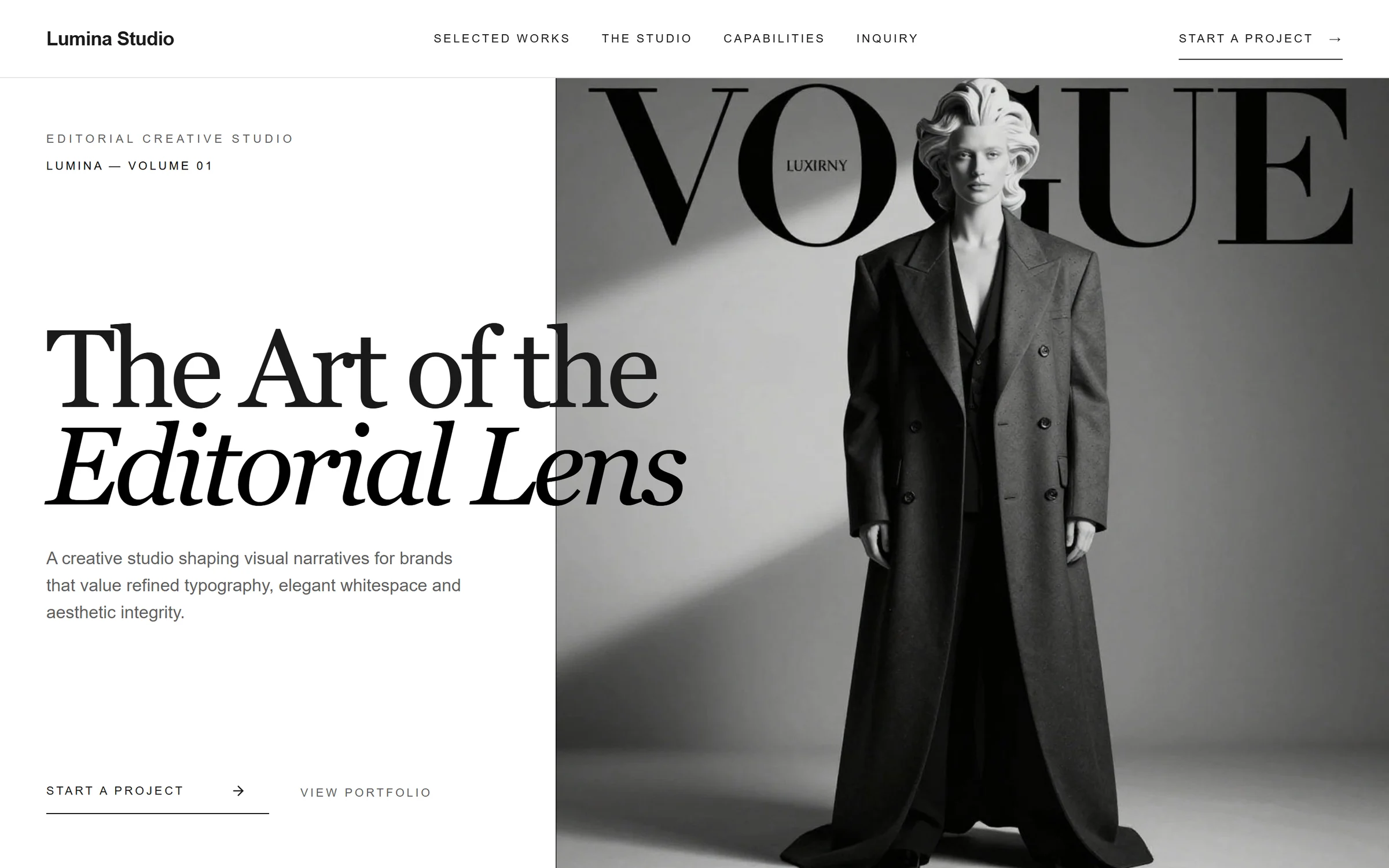
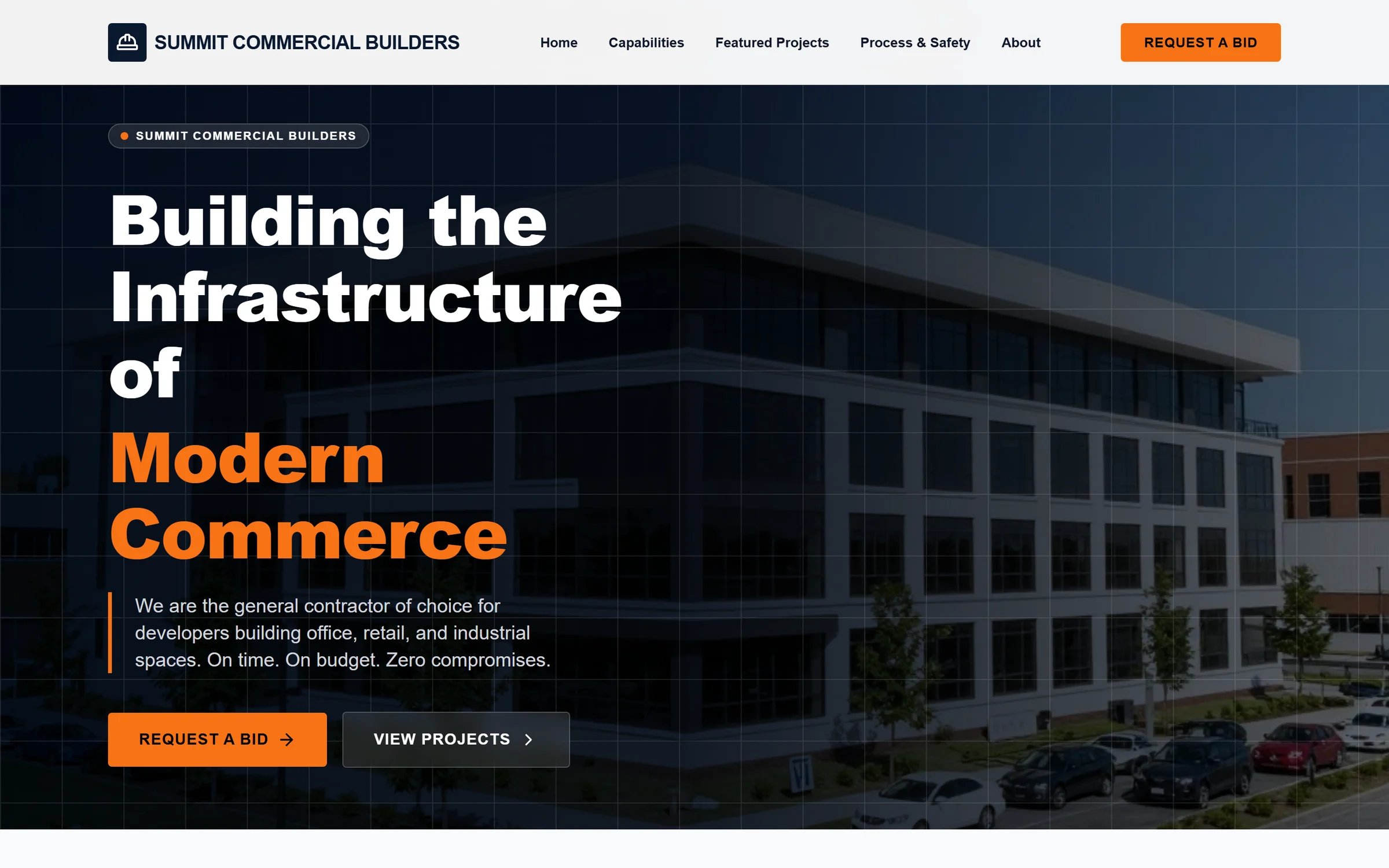
Real output
Client sites Mondovo built.
Every one of these came out of a brief the same way your client's site would.


Before your first project
What agencies ask.
What do I need to start a client site?
A business name and a few sentences. If you have more, use it: paste the client’s current website, or drop in the copy and notes you already collected. The builder asks follow-up questions when something important is missing, then writes a page-by-page content plan you approve before any design is generated.
What can a client site actually do?
Far more than look good. Each site can take online bookings, sell with a cart and checkout, give every product, listing, treatment or team member its own page, run a blog, collect enquiries into one inbox, and answer visitors with a chat assistant that knows the business. You can then run the client's posts, emails and follow-ups from the same workspace.
Are the three designs really different?
They take deliberately different directions in layout, typography, colour and rhythm, from the same content plan. That is the point: your client is choosing a design, not choosing between three sets of invented copy.
We have our own design system. Can we use it?
Yes. A hand-authored layout can be imported as a design on a site, so your system and the generated directions live side by side on the same content.
Will my client know Mondovo built it?
Published pages have no default Mondovo footer attribution. Pro sites go live on your client’s own domain, or on an address without Mondovo in it. The Agency add-on adds agency branding to supported review links and the client portal, plus API access and outreach tools.
Can we run the client’s marketing too?
Yes. Each client has their own posting calendar, email campaigns, follow-ups, contacts and Creative Studio brand in your workspace. Posts publish to the client’s connected Facebook, Instagram, LinkedIn and YouTube accounts when you queue them, and campaigns send from a sending account on the client’s own verified domain.
How does this work across a team?
Three team members are included, and each additional seat is $10 a month. Everyone works in the same workspace, and every change lands in version history with the person who made it.
Can I drive it from Claude or ChatGPT?
Yes. Mondovo has a connector for Claude and ChatGPT, so an assistant you already use can create a site from a brief, generate and compare designs, refine a page and publish, then plan a client’s posts and draft their emails, inside that conversation.
Do I need a custom domain to use Mondovo for my agency?
No. A custom dashboard or preview domain is optional. Without one, your client sites and previews use a neutral platform address instead of a Mondovo-branded address, and you can add your agency's own hostname later.
Start with the brief you already have
Hand your next client a site that already works.
Build and review drafts within plan limits. Choose Pro when a client site goes live.