
Creative Studio
Images, videos and a logo, in your site’s colours.
Creative Studio makes the pictures a business needs around its website: social posts and ads in the right sizes, short videos and reels, a logo, and images for the site itself. It starts from the colours your site already uses.
On every plan. Pieces are paid for in credits, and the price is shown before anything is made.

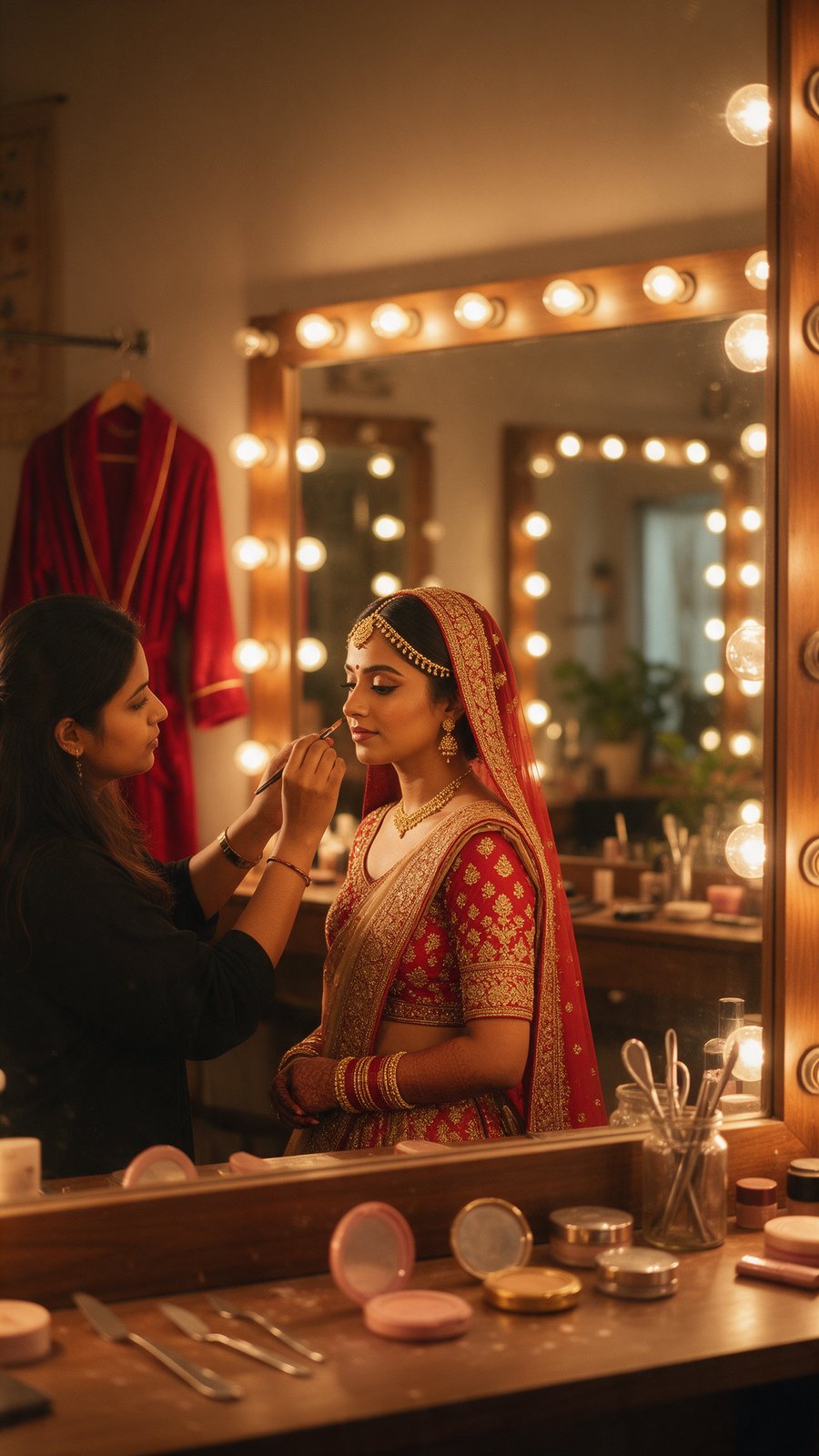

Illustration: the kinds of pieces Creative Studio makes, shown for a demo business, Lotus & Marigold.
Your brand
It starts in your site’s colours.
Every website has its own brand in Creative Studio. Until you set a palette of your own, new pieces are made in the colours of your site, so the first post already looks like it belongs next to it.
Colours from the site
Used for every new piece until you choose a palette in Brand Kit.
Fonts set in Brand Kit
Choose your typefaces once and they are used from then on. They are not read from the site.
One brand per website
If you run several sites, each keeps its own colours and its own library, so nothing gets mixed up.
Brand Kit · Lotus & Marigold
Colours carried over from the site. Demo business.
What it makes
Four kinds of work, each in the size it will be used at.
Ask in a sentence, see the price, then get the piece. Everything lands in the brand’s library.
Social posts, carousels and ads
Single images or carousels of up to eight slides, with your headline set on them, for feeds, stories and ads.
- Square 1:1
- Portrait 4:5
- Story 9:16
- Landscape 16:9
- Display 300×250 and 300×600
Short videos and reels
Ads, reels and explainers from a short brief, or your own footage cleaned up and captioned. Add a voiceover, music, captions and an end card.
- Vertical 9:16
- Portrait 4:5
- Square 1:1
- Wide 16:9
A logo
A few directions first, at no cost, then the one you pick drawn as a vector file you can use anywhere.
- Vector (SVG)
Images for the website
Image ideas for a page that you compare before anything on the site changes, then put in place of the old ones. A moving hero, such as a slow pan across a photo or a short clip, is made here too.
How a video gets made
You approve the look before any footage is made.
A video is the one piece where a wrong guess is expensive, so it is made in steps, and the paid ones wait for you.
- 01Describe itSay what it is for, how long it should be and which shape. Or bring a clip you shot yourself.
- 02Read the script and storyboardChange any line or shot in words. Nothing is charged while you do.
- 03Approve the lookA look sheet shows the style before any footage is made. Nothing is bought until you approve it.
- 04Confirm the priceThe cost in credits is shown before the clips are made. Failed or cancelled work is refunded.
- 05Finish itCaptions, trims, text and the end card can be changed afterwards at no cost.
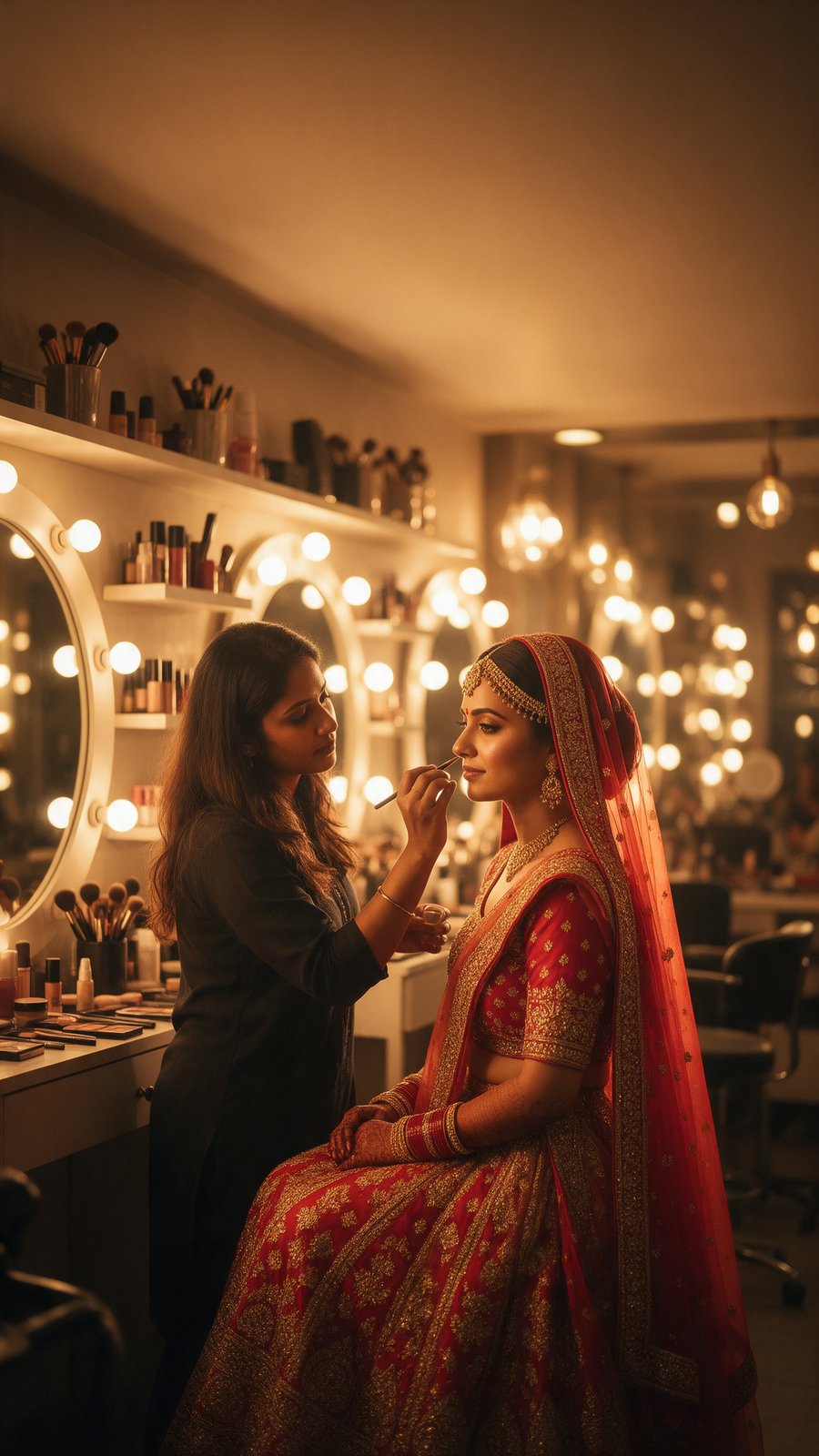
Reel cover for a demo business.
Where it goes
Made here, used where it is needed.
Finished pieces sit in one library for the brand, and go on from there.
On a planned post
Attach an image, a carousel or a video to a post on your marketing calendar, and choose its cover.
On the website
Swap a page’s images for new ones, or put a moving hero at the top of a page.
On a board for review
Put images and videos on a board and share the link. The people you send it to can vote, comment and approve if you allow it, without logging in.
Into your own videos
Upload a clip of up to five minutes, or join several, and it is cleaned up, captioned and cut in the same place.
What it costs
Credits, priced before you spend them.
Images, video and logos are paid for in credits. Each live site brings 200 credits a month, and the free plan gives 50 in the first month. The price of every piece is shown before it is made, and anything that fails is refunded.
See pricingAn image
1 credit. A carousel of any length is 2.
A logo
6 credits for the vector file. The directions before it cost nothing.
Video
Priced by the second, depending on the kind of footage, and quoted before you approve it. Captions, trims and the end card are free.
Monthly credits do not roll over
Top-up packs last 12 months, and whichever credits are closest to expiring are used first.
Questions
What people ask about Creative Studio.
Is Creative Studio included?
Yes, on every plan. What you make is paid for in credits: 200 a month with each live site, 50 in the first month on the free plan, and top-up packs if you need more.
Does it use my website’s look?
Your site’s colours come across automatically, until you set a palette of your own. Fonts are chosen in Brand Kit rather than read from the site.
Can I edit a video I shot myself?
Yes. Upload a clip of up to five minutes and 80 MB, or join several into one. Cleaning up the sound and adding captions cost nothing; a new background, a voiceover or motion graphics use credits.
Can it post what it makes?
It hands the piece to your marketing calendar. A post is published to your connected Instagram or Facebook account only when you queue it.
Can someone approve the work before it goes out?
Yes. Put the pieces on a board and share its link. Whoever you send it to can vote, comment and approve if you switch those on, and they do not need an account.
Can I use it from Claude or ChatGPT?
Yes. The connector can plan and make images, logos and videos, quoting the credits first. Creative access is asked for separately when you connect, and you approve it.
Start with your business
Make the first post for your business.
Start free, with 50 credits in your first month. Your site’s colours are already there when you begin.