
The platform
A generator stops when the site is generated.
This one keeps going. Enquiries, form submissions and website chat land in the site’s own inbox. SEO is set page by page. Traffic and enquiries sit on one screen. The domain, the hosting and the certificate are handled, and any edit can be undone. The marketing and the creative run from the same workspace.
Free plan available. No credit card required.
Where the enquiries go
A form on your site should end up somewhere useful.
Contact, quote and booking forms come wired to the site’s own inbox. There is no third-party form service to sign up for, no embed script to paste, and no forwarding rule that quietly stops working. The moment someone sends one it is emailed to you and filed against the site, and they get a short note saying it arrived. Website chat lands in the same inbox. An enquirer who leaves an email address becomes a contact, so the second time they get in touch you can see the first.
Nothing metered
Form submissions are not a metered thing here. Neither are pages or visitors.
It survives a handover
Notifications go to addresses set on the site, not to whoever happened to build it. Change them and the enquiries follow.
Name
What do you need?
Part of the page, not an embed. It works the moment the site is published.
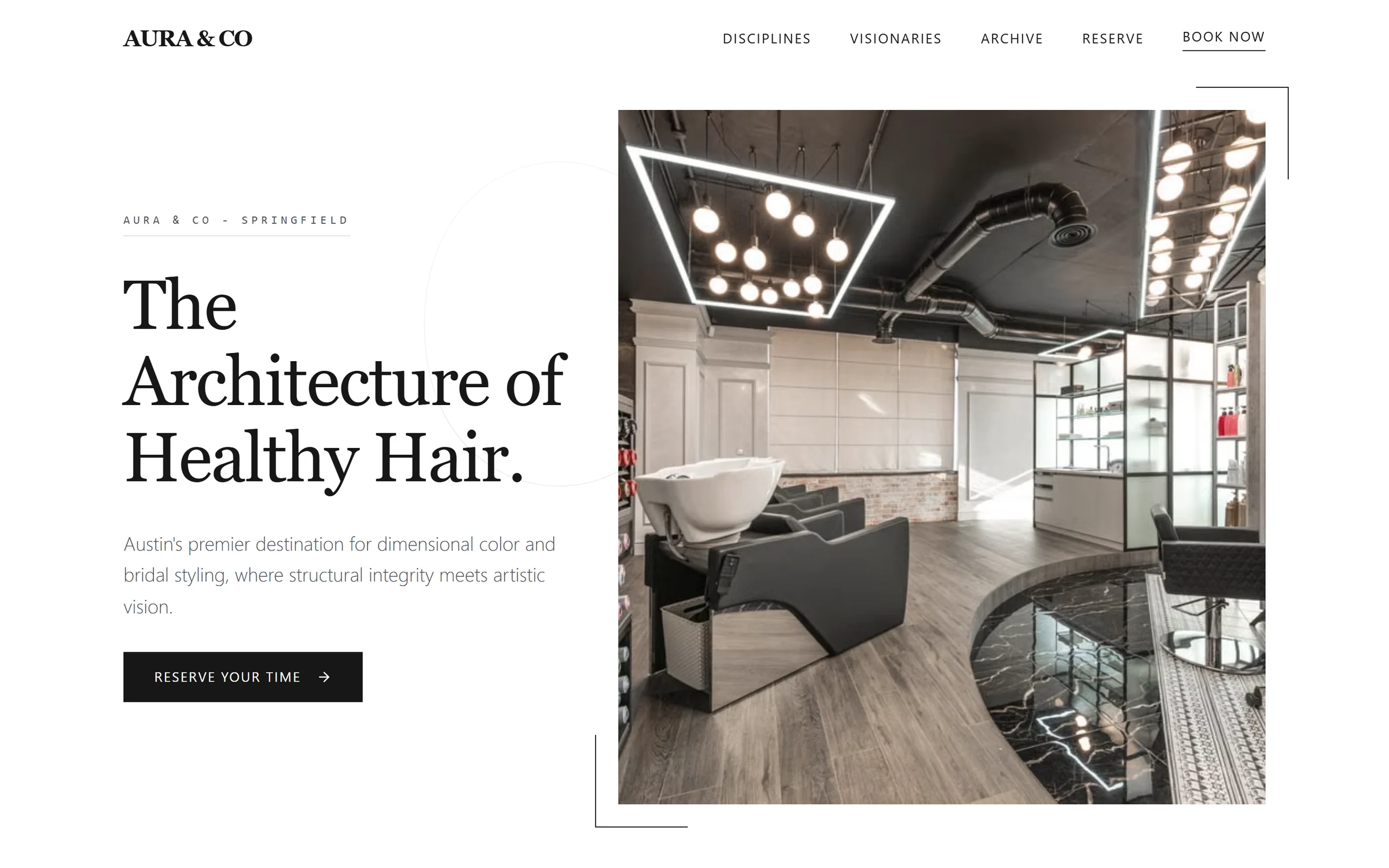
Illustration of the enquiry flow, using a sample project. Nothing here is saved.
The running gear
The parts you would otherwise be assembling.
None of this is a separate product with its own login. It is the same site, seen from a different tab.
A real multi-page site you can keep extending.
Not a long homepage pretending to be a website. Actual pages with actual navigation, and you can add more later — a new service, a location, a landing page for a campaign — without regenerating anything or touching the design.
- Home
- Treatments
- Bridal
- About
- Book
Add a page and the navigation updates with it.
SEO set page by page, not site-wide and hopeful.
Every page gets its own title and description, written when the site is generated and editable from the page itself afterwards. Publishing also produces the sitemap, the robots file, structured data for search engines and a plain-text summary of the site for AI assistants. It is the work an SEO plugin would do, minus the plugin, the configuration and the update that breaks it.
Facials and brows in Miami · Lotus & Marigold
Treatments from $85. Book online, seven days a week.
- Sitemap and robots file published
- Structured data on every page
- A plain-text summary for AI assistants
- Titles and descriptions audited page by page
There is a page-by-page audit that tells you which titles and descriptions still need work, and a report you can share.
Traffic and enquiries, read off the same screen.
Analytics start collecting when the site is published. There is no tracking code to paste, and no separate account to open. You see how many people came, where they came from and what they looked at — with form submissions and new contacts counted next to it, so traffic and results are not two different conversations.
- 7 days
- 30 days
- 90 days
- Visitors
- Page views
- Enquiries
- New contacts
- Traffic sources
- Top pages
- Devices
Scoped to the site you are looking at, not the whole workspace.
Their domain, your hosting bill of nothing.
Connect your domain and the site publishes as static pages on our CDN, with the certificate issued for you. There is no server to keep patched, no plugin to update and no renewal date to diarise. The domain stays registered to you at your own registrar, pointed here by a record you control.
www.lotusandmarigold.com
- Domain connected and verified
- SSL certificate issued
- Pages compiled and deployed
Domain, hosting and SSL come with a live site on Pro. The free plan publishes one site on a Mondovo subdomain.
Anything can be undone, so nobody has to be careful.
Edits, refinements, automatic fixes, publishes and design switches are written to version history as they happen. Restore a whole design, or just one page and the blocks it uses, and the rest of the site stays where it is. This is the thing that makes letting someone new loose on a live site a reasonable idea.
- Hero heading shortenedEdit
- Booking moved above the gallery on mobileRefinement
- Switched to the second designDesign switch
A site keeps its most recent five hundred versions. Within that, the last hundred versions of a page are kept whatever their age, and so is everything from the last two months. Deleting a design or a site removes its history along with it.
Beyond the site
The same workspace runs everything around it.
The site is where customers find you. What brings them back is the marketing, the creative and the answers they get. Those sit next to the site, not in another product.
Posts, emails and follow-ups
Posts planned on a calendar and published to your Instagram and Facebook when you schedule them. Email campaigns you send from your own domain. Follow-ups that start when you switch them on.
See the marketingCreative StudioImages, videos and a logo
Social posts, ads, reels and a logo, made in the colours of your site and priced in credits before anything is made.
See Creative StudioYour assistantRun it from Claude or ChatGPT
Connect Mondovo to the assistant you already use and ask for the page, the post or the email in a sentence.
How the connector worksAgenciesBuilding for clients?
Each client gets their own site, brand, marketing and inbox, all in one workspace, and drafts are free until a site goes live.
Mondovo for agenciesFour ways to change something
The edit should cost less than the meeting about the edit.
Someone asks for a different photo and a shorter headline. That should take a minute, from wherever you happen to be.
Click the thing
Select any heading, image or button on the page and change it where it sits. No separate editor, no rebuild, no waiting.
Describe the change
Tell the assistant what you want in a sentence — layout, spacing, tone, a whole section rewritten. Review included plan limits in Billing; the free plan allows 50 a month.
Say it out loud
Voice mode lets you describe the business, ask for changes and move around the site by talking. It runs on the same credits as images and video, at 2 credits a minute.
From Claude or ChatGPT
Mondovo has a connector for Claude and ChatGPT, so an assistant you already use can change a page, add one or publish, inside that conversation. It can draft the posts and emails too.
More than one site, more than one person
Built for more than one site, and more than one person.
A workspace for every site
Each site keeps its inbox, forms, marketing, brand and settings together. Switching between sites does not mean switching tools or logging into something else.
Three seats included
Three team members come with Pro, and each additional seat is Pricing unavailable a month. Roles decide who can edit a site, who can publish it and who can only look at it.
Ten designs, one live
A site holds up to ten designs. Switching which one is live takes a click, so a rebrand in a year is a decision, not a project.
Drafts stay free
Only live sites are billed, at Loading pricing… a month each. A site you unpublish stops costing anything and stays in the workspace as a draft.
The honest version
What you stop assembling yourself.
This is the part that is hard to see from a screenshot. None of these are impressive on their own. Together they are most of a week of setting up, per site.
- A form service, wired up, paid for and monitoredForms are part of the page, and every submission is emailed to you
- A spreadsheet of enquiries nobody keeps currentAn enquirer with an email address becomes a contact with its own history
- An SEO plugin, configured again for every siteTitles, descriptions, sitemaps and structured data, page by page
- An analytics account to set up and keep an eye onTraffic and enquiries on one screen from the day you publish
- A host, a certificate, and a renewal you must rememberStatic pages on our CDN, with SSL, on your own domain
- A change somebody made that you cannot take backVersion history you restore from, a whole design or a single page
- A social scheduler, an email tool and a design app, each with its own loginPosts, emails and creative in the same workspace as the site
- A developer booked in for a two-line copy changeClick it, describe it, or say it
The post-launch questions
What people ask once a site is live.
What actually gets published?
Static pages, served from our CDN. There is no application server behind your site to keep patched or updated. You keep editing inside Mondovo and publish again when you are ready.
Where do the enquiries actually end up?
Two places. Each one is emailed to the addresses set on the site, with every field of the submission in the message and the reply address set to the person who sent it, so answering is just a reply. The same enquiry sits in the site's inbox with an unread count and a notes field, and an enquirer who left an email address becomes a contact you can look up later.
Can the site answer questions itself?
It can. Switch on website chat and it answers visitors from what your site says and from notes you add. Conversations land in the inbox, and a visitor who leaves their details becomes a contact.
What do the analytics tell me?
How many people visited, how many pages they looked at, where they came from, which pages they landed on and what they were using, over the last seven, thirty or ninety days. Form submissions and new contacts are counted beside the traffic. It starts when the site is published, with nothing to install.
Am I charged for traffic or form submissions?
No. Pages, visitors and form submissions are not billed. A live site is Loading pricing… a month whatever is on it and however busy it gets.
What happens if I stop paying?
The site comes offline and the charge for it stops. Nothing is deleted. The designs, the pages, the content and the version history stay in your workspace as a draft, and republishing is one button if you want it back. The domain was never ours: it stays registered to its owner at their registrar, and it points here through a record they can change whenever they want.
Can the design change after launch?
Yes. The designs you did not choose stay on the site, up to ten in total, and switching which one is live takes a click. The content stays where it is.
Can two of us work on the same site?
Yes. Pro includes three team members and each additional seat is Pricing unavailable a month. Roles decide what each person can do — edit a site, publish it, or only look at it — and the version history is shared, so an edit one of you makes is one the other can undo.
Can I run this from an assistant I already use?
Yes. The connector lets Claude or ChatGPT change pages and publish, draft posts and emails, make images and read the inbox, without leaving that conversation.
See it running, not described
Build one site and keep it.
The drafts, the designs and the revisions cost nothing. You pay Loading pricing… a month on the day a site goes live.