
Client delivery
Send it, get notes on it, publish it.
How a client site gets from a draft in your workspace to their approval and onto their own domain — and, plainly, which parts of that are included and which part costs Pricing unavailable a month.
Drafts are free. A site starts costing Loading pricing… a month on the day it goes live.
The line, drawn once
What comes with the plan, and what the add-on buys.
Client review works on every plan: the link, the comments, the approvals, the client's own domain. The only thing behind the Agency add-on is whose name is on the screens before launch — plus API access and the outreach tools. This page repeats that split everywhere it comes up, because finding it out mid-project is the worst time to find it out.
Included
No extra cost- A review link for the clientOne link that works on desktop and mobile. Send it however you already talk to them.
- Comments left on the element itselfYour client clicks the thing they mean — a button, a heading, a photo — and writes the note against it.
- Approval for the whole siteWhen they are happy with all of it, they approve it, and you know exactly what was signed off.
- The client's own domainPublish to their address, with hosting and the certificate part of the Loading pricing… a month for that live site.
- A published site with no Mondovo brandingNothing on the pages their visitors see says where it was built. That is true with or without the add-on.
The custom domain is part of the Loading pricing… Pro plan. The free plan publishes one site on a Mondovo subdomain; everything else in this column still applies.
Agency add-on
Pricing unavailablea month, flat, on any plan- Your name on the review linkThe review link and the client-facing screens carry your agency's brand instead of ours.
- API accessDrive Mondovo from your own tooling rather than only from the workspace.
- Prospecting and previews2,000 prospects and 200 generated previews a month, for pitching with a real site rather than a deck.
- Outreach email1,000 emails a month from your own sender accounts.
Flat, however many client sites you run. It changes what the client sees before launch — not the published site, which carries no Mondovo branding either way.
What you send
One link. Nothing for them to learn.
The review link is the whole handover. No attachments, no exported PDF of screenshots, no calendar invite to walk them through it.
It opens on a phone
The same link works on desktop and mobile, so "I'll look at it on my laptop later" stops being the reason a project sits still for a week.
It is the site, not a picture of it
They scroll the real pages and follow the navigation between them, which is where the useful feedback tends to come from.
It is always the current draft
Make a change and the same link shows it. No re-sending, and no argument about which version they were looking at.
Review to change
A note on an element is an instruction about that element.
The usual version of this is an email saying the header needs work. Then a call to find out which header, and what work. The review link takes the guessing out: the note is attached to the thing it is about, and it arrives in your workspace still attached to it.
- 1
They click the element
A button, a heading, a photo, a price. Whatever they clicked is what the note is about.
- 2
They write it in their own words
They do not need design vocabulary for the note to be precise, because what it points at is unambiguous.
- 3
It lands in your workspace, pinned
You open the comment and you are already on the element. No screenshot with an arrow drawn on it, no thread to reconstruct.
- 4
You change it and send the same link
Every edit lands in version history, so a change that turns out to be wrong can be put back.
Approvals work the same way: one action on the whole site, recorded, so there is a date against what was agreed.
Can the booking button come before the gallery on mobile?
Approve and publish
Approval, then their domain.
The end of the project is a click, not a handover document and a week of DNS emails.
One approval for the whole site
Recorded against the site, so there is no ambiguity later about what the client agreed to.
Their address, their certificate
Connect the client's own domain and publish to it. Hosting and SSL are part of the Loading pricing… a month for that live site.
No Mondovo branding on the site
The published pages carry nothing of ours. This does not depend on the add-on.
A change of mind is not a rebuild
The designs they did not choose stay on the site. Switching which one is live takes a click, not a project.
The work carries on after launch
The client’s inbox, their posts and emails, and their creative sit in the same workspace as the site.
Creative goes on a board first
Put images and videos from Creative Studio on a board, and the client votes, comments and approves before anything is posted.
What the Pricing unavailable actually changes
Whose name is on the screens before launch.
Without the add-on, the review link and the client-facing screens are ours, with your work on them. With it, they are yours. The published site is unbranded either way — this is about the fortnight between sending a draft and going live.
Without the add-on
Your client reviews the work on a page carrying our name.
With the Agency add-on
The same page and the same review tools, under your brand.
- The published site carries no Mondovo branding on either side of this line.
- The add-on is Pricing unavailable a month flat, on top of any plan, whatever number of client sites you run.
- It also covers API access and the outreach tools: 2,000 prospects, 200 previews and 1,000 emails a month.
What gets handed over
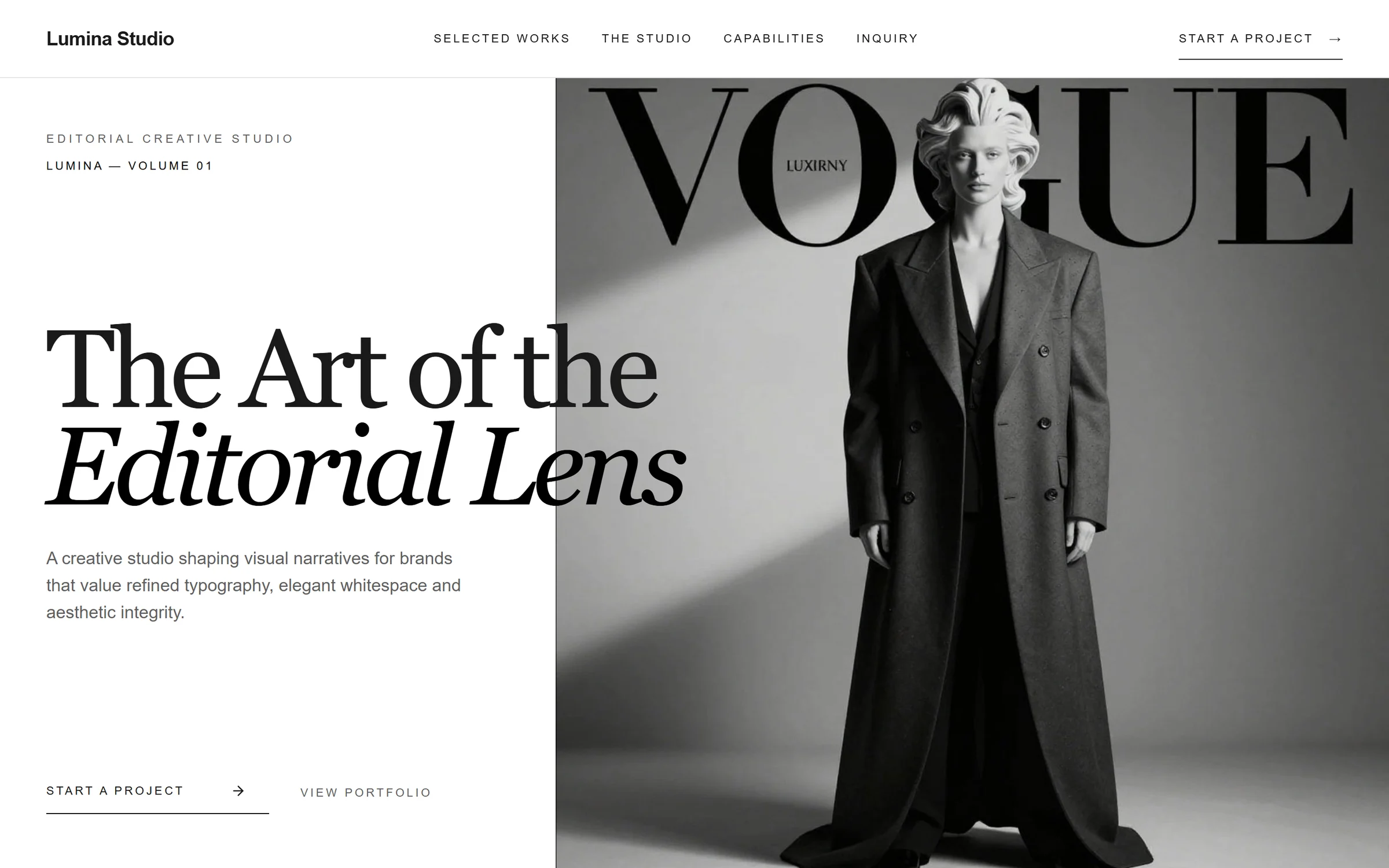
Sites Mondovo produced, not mockups.
Every one of these came out of a brief the same way your client's site would.


The awkward questions
Asked before the first project, not after.
Will my client see Mondovo anywhere?
On the published site, no — the pages carry no Mondovo branding on any plan. Before launch, the review link and the client-facing screens are ours unless you take the Pricing unavailable a month Agency add-on, which puts your agency's name on them instead.
Is white-label included in the Loading pricing…?
No. It is a separate add-on at Pricing unavailable a month, flat, on any plan. That is the whole of the split: the review link, the element comments, the approvals and the client's own domain are included, and your name on the client-facing screens is not.
Can the client change their mind after approving?
Yes, and it is not expensive. Every design generated for the site stays available and the live one can be switched at any time. Edits land in version history and can be put back.
Can a client approve posts and creative too?
Creative, yes. Put the images and videos on a board and share its link; your client can vote, comment and approve if you switch those on, without an account. Posts publish only when you queue them, so nothing reaches the client’s accounts before you decide.
Does the client pay anything to Mondovo?
No. Billing sits with your workspace: Loading pricing… a month for each live site, plus Pricing unavailable if you take the Agency add-on. What you charge your client is between you and them.
Do enquiries or traffic cost extra?
No. Pages, visitors and form submissions are not billed. A live site is Loading pricing… a month regardless of how busy it gets or how many enquiries it takes.
How many designs can I put in front of them?
Each round produces three complete multi-page designs from one approved content plan, and a site can hold up to ten. Generate another round whenever the first three are not right.
Client delivery
Send your next draft as a link, not a deck.
Drafts cost nothing. Add your name to the client-facing screens when it needs to be there.