Blog
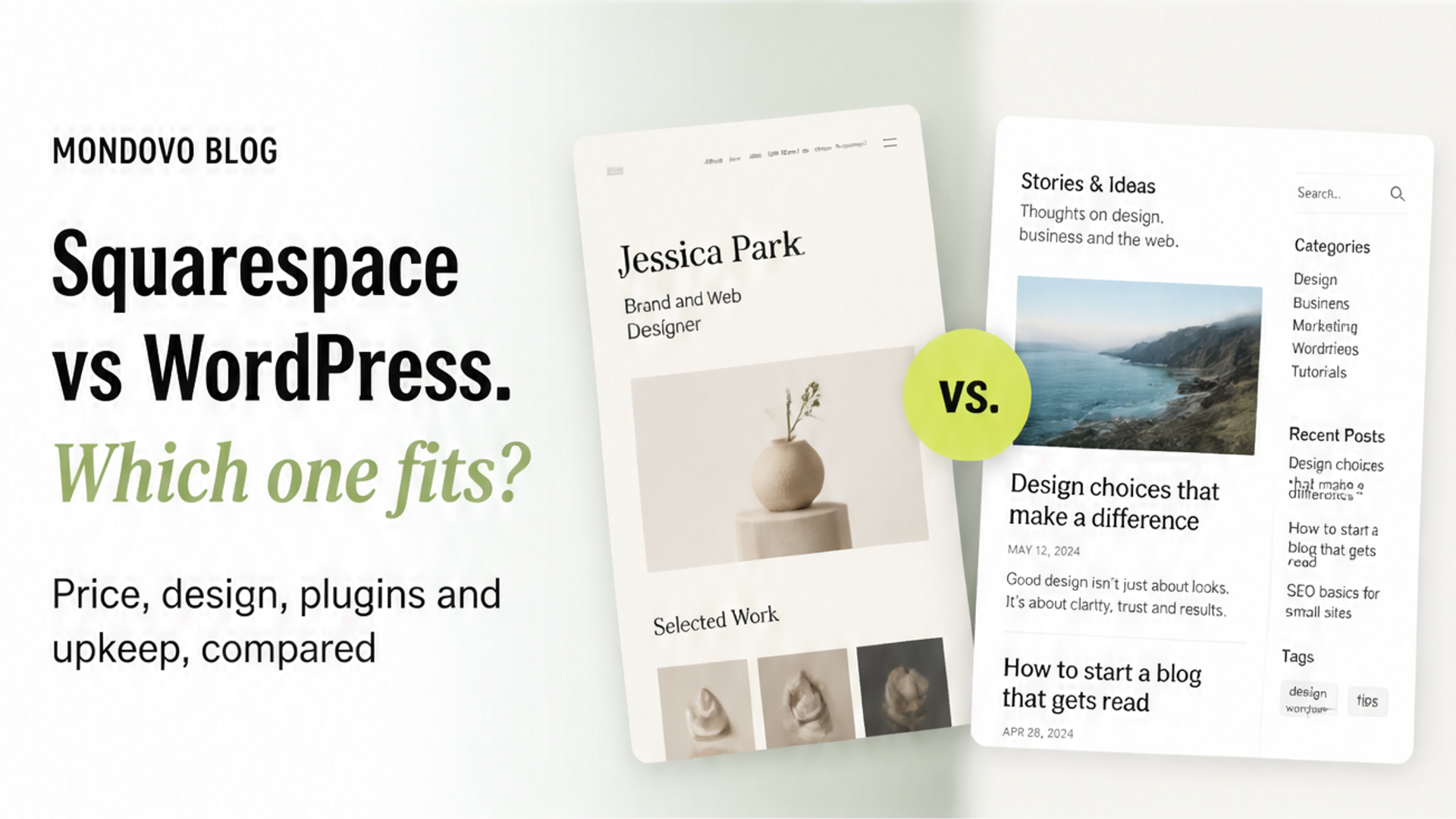
Squarespace vs WordPress (2026): which should you choose?
Squarespace handles hosting, design and updates for you; WordPress gives you plugins and ownership, plus the upkeep. Here is what each costs and who each suits.
Choose Squarespace if you want a polished site with hosting, security and updates handled for you, and you are happy to design inside one well-made template system. Choose WordPress if you want to own the software, extend it with plugins for almost anything, and move it to any host, and you accept that keeping it updated is your job or a developer's. For a typical small business, Squarespace is less work. For a large content site, or anything unusual, WordPress is more flexible.
"WordPress" means two different things. WordPress.org is the free, open-source software you install on hosting you pay for. WordPress.com is a hosted service that runs it for you. This comparison covers both. Figures come from Squarespace's pricing page, WordPress.com's pricing page and each company's help pages, read on 28 October 2026. We make Mondovo, a different website builder. It isn't part of this verdict, and there is a short note on it at the end.
Squarespace vs WordPress at a glance
| Squarespace | WordPress.org (self-hosted) | WordPress.com | |
|---|---|---|---|
| What it is | Hosted website builder | Free software you install and host | Hosted WordPress service |
| Free option | No: a 14-day free trial | Software is free; hosting is not | Free plan on a WordPress.com address |
| Cheapest plan with your own domain | Basic, $19/mo billed yearly ($25 monthly) | Hosting plus a domain, priced by your host | Personal, $4/mo billed yearly ($9 monthly) |
| Plugins | No plugin directory; built-in features and extensions | Tens of thousands of free plugins | On every paid plan |
| Design | One template family on version 7.1, styled with colours, fonts and layouts | Thousands of themes, plus the block editor | Themes plus the block editor |
| Updates and security | Squarespace's job | Yours, or your host's or developer's | WordPress.com's job |
| Selling online | Every plan; 2% store fee on Basic, 0% from Core | WooCommerce, a free plugin | Commerce plan, or plugins on paid plans |
| Moving away later | Partial export to a WordPress file | Full ownership of files and database | Export your content to a WordPress file |
Who should choose which
- Squarespace suits restaurants, studios, portfolios, consultants and small shops that want a clean, consistent look and would rather not think about hosting, updates or plugins.
- WordPress suits content-heavy sites, publishers with many authors, sites that need a specific plugin (a membership system, a course platform, a niche booking engine), and anyone who wants to own the software outright.
Pricing
| Squarespace | Yearly / monthly billing | WordPress.com | Yearly / monthly billing |
|---|---|---|---|
| Basic | $19 / $25 | Personal | $4 / $9 |
| Core | $29 / $39 | Premium | $8 / $18 |
| Plus | $49 / $65 | Business | $25 / $40 |
| Advanced | $99 / $139 | Commerce | $45 / $70 |
Prices are per month in US dollars. Squarespace includes a free custom domain for the first year on annual plans and offers a 14-day trial with no card needed. WordPress.com also sells two- and three-year terms that bring the monthly figure down further.
Self-hosted WordPress is a different kind of cost. The software is free, so what you pay is hosting, a domain, any premium theme or plugins, and the time (yours or someone else's) to keep it all updated. Introductory hosting prices are low; check what the plan renews at.
Winner: WordPress.com on the sticker price. Squarespace if you count the time you will not spend on upkeep.
Design and templates
Squarespace's designs are its reputation, and its section-based editor keeps a beginner's site looking tidy. The trade-off is that every version 7.1 site belongs to the same template family, so "changing template" means restyling rather than switching. WordPress has thousands of themes and the block editor, and a developer can build anything. That freedom includes the freedom to make a mess, and a theme change can break layouts a page builder created.
Winner: Squarespace for good results with little effort. WordPress for unlimited control.
Ease of use
Squarespace is one product with one editor, one dashboard and one support team. WordPress is a platform you assemble: core, a theme, plugins, hosting and often a page builder, each with its own settings and updates. WordPress.com removes the hosting part of that, not the assembly.
Winner: Squarespace.
Plugins and features
This is the main reason people choose WordPress. Its plugin directory covers memberships, courses, forums, directories, multilingual sites and integrations with almost any service. On WordPress.com, plugin installation is available on every paid plan. Squarespace has strong built-in features (a store, member areas and email campaigns) and a smaller set of extensions, so if you need something it does not do, there is usually no way to add it.
Winner: WordPress.
Selling online
Squarespace can sell on every plan. Its pricing page lists card rates from 2.9% + $0.30 on Basic and Core down to 2.5% + $0.30 on Advanced, a 2% online store fee on Basic only, and fees on digital content and memberships of 7% on Basic, 5% on Core, 1% on Plus and 0% on Advanced. WordPress sells through WooCommerce, a free plugin, with payment fees set by whichever payment provider you connect, and the hosting has to cope with the store's traffic.
Winner: Squarespace for a small shop with no fuss. WordPress for a large catalogue or unusual checkout needs.
Upkeep and security
On Squarespace and WordPress.com, the platform keeps the software patched. On self-hosted WordPress, WordPress's own guidance is that "you should always update WordPress to the latest version", with a backup taken first, and the same applies to every theme and plugin. Most WordPress security problems start in plugins and themes rather than WordPress itself. We cover that in more detail in Is WordPress secure?
Winner: Squarespace, unless someone already looks after your WordPress site well.
SEO
Both handle the essentials: page titles and descriptions, clean addresses, a sitemap and redirects. WordPress goes further with SEO plugins that add schema, bulk edits and detailed controls. For a typical small-business site, either is fine; content and links matter more than the platform.
Winner: WordPress, for the extra control.
Moving between them
From Squarespace to WordPress, Squarespace provides an export to a WordPress .xml file. It is partial. It includes layout pages, one blog page with its posts, text blocks and image blocks. It leaves out store pages and product blocks, index, portfolio and album pages, style settings and custom CSS, audio and video blocks, drafts, and more than one blog. You rebuild those by hand, then redirect the old page addresses.
From WordPress to Squarespace, plan on rebuilding the design and anything a plugin was doing, then redirecting old addresses. Check what your plugins do before you start: that is usually the part that takes longest.
The verdict
Pick Squarespace for the best-looking result with the least ongoing work, especially for a service business, a portfolio or a small shop. Pick WordPress if you need a particular plugin, run a large content site, or want to own the software and can keep it maintained. WordPress.com is the middle path: WordPress without running the server.
Not sold on either? A third option
Squarespace ties you to one template family and WordPress hands you the upkeep. Mondovo works differently. You describe your business, or paste the address of your current site, approve a plan of what each page says, and get three complete designs to compare with your own content in them. Hosting, updates and security are ours, bookings, a store and forms are built in, and old page addresses are redirected for you when you move. Building is free, and a live site on your own domain is $20 a month. See Mondovo vs Squarespace, Mondovo vs WordPress, or how a move from WordPress works.
Frequently asked questions
Is Squarespace or WordPress better?
Squarespace is better if you want a good-looking site with hosting, security and updates handled for you. WordPress is better if you need plugins, a large content site or full ownership of the software, and someone can keep it updated.
Is Squarespace or WordPress cheaper?
WordPress.com's Personal plan is $4 a month billed yearly, against $19 for Squarespace Basic. Self-hosted WordPress software is free, but you pay for hosting, a domain, any premium themes or plugins, and the time to maintain it.
Is Squarespace or WordPress better for SEO?
Both cover the essentials. WordPress offers more control through SEO plugins. For most small-business sites, the quality of your content matters more than the platform.
Can I move from Squarespace to WordPress?
Yes. Squarespace exports to a WordPress .xml file, but the export leaves out store pages, products, portfolio and index pages, styles and custom CSS. Expect to rebuild those and set up redirects from your old addresses.
Can I move from WordPress to Squarespace?
Yes, but anything a plugin was doing has to be replaced with a Squarespace feature or dropped, and the design is rebuilt in Squarespace's template system. Redirect your old page addresses so you keep your search traffic.
Does WordPress need more maintenance than Squarespace?
Self-hosted WordPress does. You or your host keep WordPress, the theme and every plugin updated, with backups. On Squarespace and WordPress.com, the platform handles the software.