Blog
The best Squarespace alternatives in 2026, compared
Wix, WordPress, Webflow, Framer, Shopify, Hostinger, Carrd and Mondovo: who each Squarespace alternative suits, what Squarespace's export leaves out, and how to move.
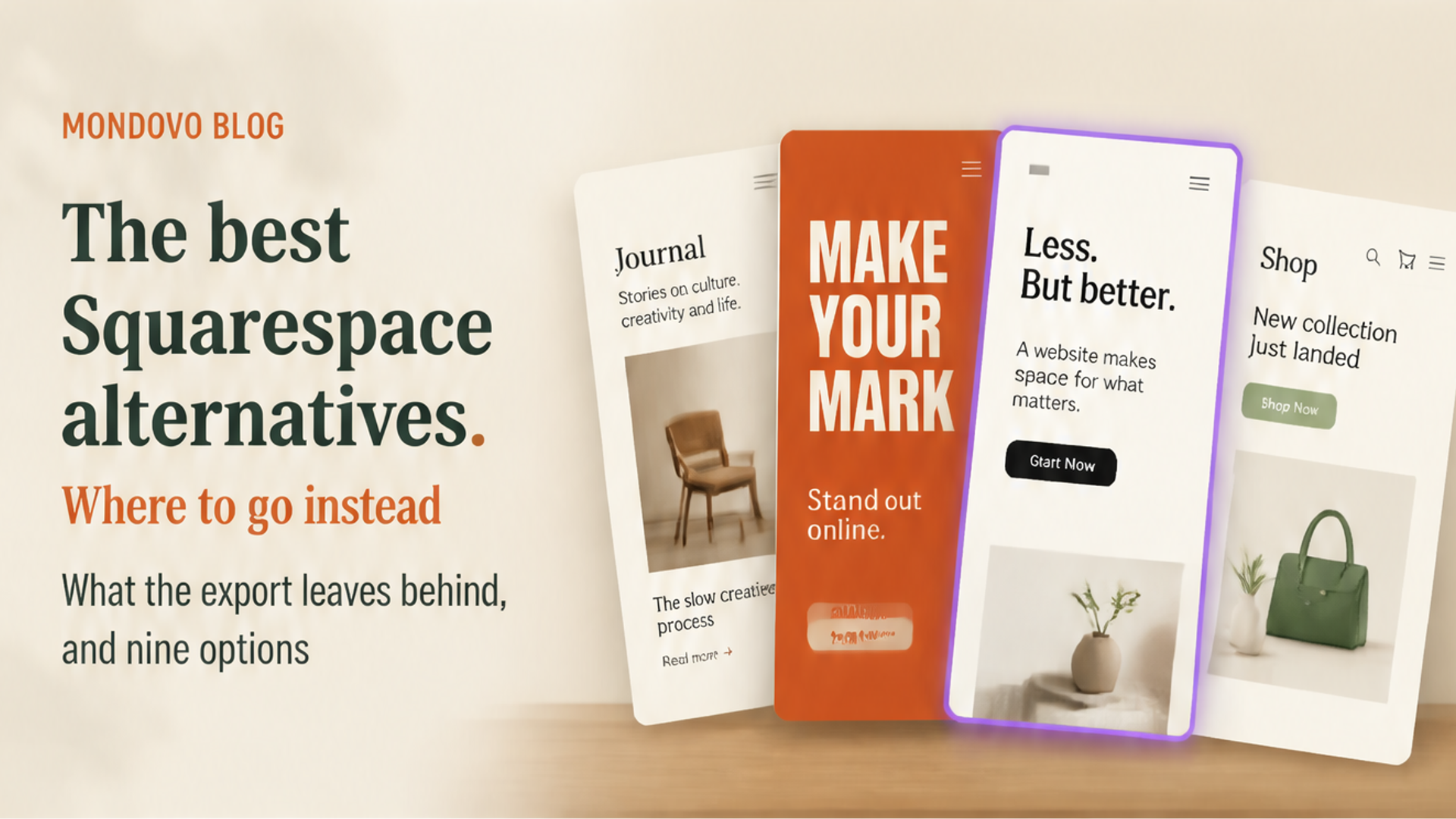
The best Squarespace alternative depends on what Squarespace is not doing for you. Wix is the closest swap if you want more apps and more freedom over layout. WordPress is the answer if you need plugins or want to own the site. Webflow and Framer give a designer more control. Shopify suits a store that has outgrown Squarespace Commerce, Carrd a single page, and Hostinger the lowest upfront price. Mondovo suits a business that wants a design made for it rather than picked from a template family, with its current site brought across.
Facts below come from each company's own pricing and help pages, read on 28 October 2026 (Webflow's, which we could not load that day, on 20 October). Prices are in US dollars per month unless stated. We make Mondovo, which is one of the options listed. It is marked as ours, and each entry says who it does not suit.
Why people look for a Squarespace alternative
Squarespace is a well-made product, and for many sites it is the right one. These are the reasons that usually push people to look elsewhere:
- Every site shares one template family. "All version 7.1 sites are part of the same template family, so every site has the same features and style options" (Squarespace Help). You restyle rather than switch, and a look the system doesn't offer is hard to reach.
- Few extensions. There is no plugin directory, so if Squarespace doesn't do something, you usually can't add it.
- Store fees on the cheapest plan. Basic adds a 2% online store fee and 7% on digital content and memberships; Core removes the store fee (Squarespace pricing).
- A partial export. Squarespace's export produces a WordPress file that leaves out store pages and products, portfolio, index and album pages, styles and custom CSS, and all but one blog.
- No free plan. Only a 14-day trial, then from $19 a month billed yearly.
The best Squarespace alternatives at a glance
| Alternative | Best for | Price from (own domain) | Watch out for |
|---|---|---|---|
| Wix | More apps and layout freedom | Light plan; price varies by country | Sites can't be moved off Wix |
| WordPress.com | Plugins and ownership, hosted for you | $4/mo billed yearly ($9 monthly) | More to learn and assemble |
| WordPress.org | Full control on your own hosting | Free software, plus hosting | Updates and security are your job |
| Webflow | Designers who want precise control | Basic, $15/mo billed yearly | Steep learning curve; CMS costs more |
| Framer | Fast, animated marketing sites | Basic, $10/mo with yearly billing | 30 pages on Basic; no built-in store |
| Shopify | A store that has outgrown Squarespace | Basic, $29/mo billed yearly ($39 monthly) | More than a brochure site needs |
| Hostinger Website Builder | The lowest upfront price | $2.49/mo on a 48-month prepaid term | Renews at $10.99/mo |
| Carrd | A single page on a tiny budget | Pro Standard, $19 a year | One-page sites; no blog or store |
| Mondovo (ours) | A design made for your business, not a template | $20/mo, building is free | Younger product; fewer integrations |
1. Wix: more freedom, more apps
Wix is the builder people most often compare with Squarespace. It offers 2,000+ templates, freer drag-and-drop placement, a large app market and a free plan to start on. Its plans run Light, Core, Business and Business Elite, and its plans page says prices and currency vary by location, so compare at checkout in your country. Taking payments starts on Core.
Choose it if you want a specific feature from the app market, or more control over where things sit. Skip it if portability matters: Wix says its sites must be hosted on Wix's servers and its blog posts can't be exported. See Wix vs Squarespace.
2. WordPress: plugins and ownership
WordPress fills exactly the gap Squarespace leaves: if a feature exists, there is probably a plugin for it. WordPress.com hosts it for you from $4 a month billed yearly, with plugins on every paid plan. Self-hosted WordPress.org is free software on hosting you choose. Squarespace's own export is a WordPress file, which makes WordPress the most direct destination, though you will rebuild what the export leaves out.
Choose it if you need a plugin, a large content site or full ownership. Skip it if you chose Squarespace to avoid maintenance: self-hosted WordPress needs regular updates. See Squarespace vs WordPress.
3. Webflow: for designers
Webflow gives a designer control over every layout on real HTML and CSS, with hosting and a CMS. Its Basic site plan starts at $15 a month billed yearly ($25 monthly), with CMS features on a higher plan (Webflow pricing).
Choose it if a designer will build the site and Squarespace's template family feels limiting. Skip it if you want to edit it yourself without learning a professional tool.
4. Framer: for animated marketing sites
Framer suits designers who want motion and a quick path from design to a live site. Basic is $10 a month and Pro $30 a month with yearly billing selected; Basic allows 30 pages and 2 CMS collections, Pro 150 pages and 10 collections (Framer pricing). Selling happens through third-party plugins rather than a built-in store.
Choose it if a striking, animated marketing site matters more than features. Skip it if you sell on Squarespace today or need bookings. See our Framer comparison.
5. Shopify: when the store is the business
Squarespace sells well for a small catalogue. When the store becomes the business, Shopify's inventory, apps and payment tools are built for it. Basic is $29 a month billed yearly or $39 monthly in the US (Shopify pricing).
Choose it if you are outgrowing Squarespace Commerce. Skip it if you mainly need a service-business website.
6. Hostinger Website Builder: the lowest upfront price
Hostinger's Premium plan is $2.49 a month on a 48-month term paid upfront ($119.52 today), renewing at $10.99 a month, with a free domain for the first year (Hostinger). Even at renewal it costs less than Squarespace Basic.
Choose it if cost is the deciding factor. Skip it if design quality is why you chose Squarespace in the first place.
7. Carrd: when one page is enough
If your Squarespace site is really a single page, Carrd does that for a fraction of the price: Pro Standard is $19 a year with a custom domain and forms, for up to 10 sites (Carrd plans).
Choose it if you need a landing page or a simple personal site. Skip it if you need several pages, a blog or a store. See our Carrd comparison.
8. Mondovo: a design made for your business (ours)
We make Mondovo, so weigh this entry accordingly. Where Squarespace starts from its template family, Mondovo starts from your business: describe it, or paste your current site's address, approve a plan of what each page says, and get three complete designs with your own content in them. You can keep up to ten designs on one site and switch the live one without retyping anything. Bookings, a store, forms, an enquiry inbox and email are built in.
When you move, Mondovo reads your live pages, so public pages the export leaves out, such as portfolio and index pages, still come across as content, and old addresses are redirected to the new pages. Building is free; a live site on your own domain is $20 a month, and you can download the published site as files if you ever leave.
Choose it if you want a look the template family won't reach, or you build sites for clients. Skip it if you run a busy Squarespace store: moving a working store to improve the marketing pages is rarely worth it. See Mondovo vs Squarespace.
How to move off Squarespace
- List what you have. Every page, post, product, form and scheduling link, and which ones bring in customers.
- Export what Squarespace exports. Its export gives you a WordPress .xml file of layout pages, one blog and image and text blocks. Note everything it leaves out.
- Rebuild or re-import the rest. Store pages, products, portfolios, index pages and styles have to be recreated, by hand or with a builder that reads your live pages.
- Redirect every old address. Point each old page at its new one with a permanent (301) redirect.
- Move the domain, then cancel. Point your domain at the new site, check every page, and only then cancel Squarespace.
Frequently asked questions
What is the best alternative to Squarespace?
Wix is the closest like-for-like alternative, with more apps and layout freedom. WordPress is best for plugins and ownership, Shopify for a large store, Carrd for a single page, and Mondovo for designs made from your own content.
Is there a cheaper alternative to Squarespace?
Yes. WordPress.com starts at $4 a month billed yearly, Carrd Pro Standard is $19 a year, and Hostinger's builder renews at $10.99 a month after a prepaid introductory term. Squarespace Basic is $19 a month billed yearly.
Can I export my Squarespace site?
Partly. Squarespace exports layout pages, one blog with its posts, and text and image blocks to a WordPress .xml file. Store pages, products, portfolio and index pages, styles and custom CSS are not included.
Is Wix better than Squarespace?
Wix offers more apps, more layout freedom and a free plan. Squarespace gives better-looking defaults with less effort. See our Wix vs Squarespace comparison for the detail.
Will I lose SEO if I leave Squarespace?
Not if you keep your content and redirect every old page address to its new page with a permanent (301) redirect. Missing redirects are what cause lasting traffic losses.
What is a good Squarespace alternative for photographers and creatives?
Framer and Webflow suit creatives who want design control. Mondovo suits those who want several finished designs built around their own work. WordPress suits portfolios that need specific plugins.