Blog
Is WordPress Secure? An Honest Answer for Business Owners
WordPress itself can be secure, but most WordPress sites are only as safe as their last update. Here's where the real risks come from, what to ask your host, and when it's time to stop carrying the upkeep.
If you run your business website on WordPress, you have probably wondered at some point whether it is safe. Maybe a security alert made the news, maybe your developer mentioned "updates", or maybe a friend's site got hacked. This guide gives you a straight answer in plain English: what makes a WordPress site secure or not, the questions to ask, and when it makes sense to stop carrying the job yourself.
The short answer
Yes, WordPress itself can be secure. The core software is used by millions of websites, it is looked after by a large team, and security fixes come out quickly when problems are found. Even so, the core is not immune. In July 2026, two flaws in WordPress itself (nicknamed "wp2shell") were being attacked within days of the fix coming out, which is why updates need to happen quickly.
But your website is more than WordPress. It is WordPress plus a theme, a collection of plugins, the PHP software it runs on and the hosting company's server. Your site is only as secure as the weakest of those pieces, and only as secure as its last update.
So the honest answer is: WordPress can be secure, but a WordPress site is only secure if somebody keeps looking after it.
Where the real risks come from
When security researchers look at hacked WordPress sites, the same handful of causes come up again and again. Most of them are not about WordPress itself.
The numbers back this up. The security company Patchstack counted 11,334 new security flaws in WordPress sites in 2025, 42% more than the year before. 91% were in plugins and 9% were in themes. Only a handful were in WordPress itself. Nearly half (46%) had no fix available when they were made public. And the most dangerous ones were typically being attacked within about five hours. (Source: Patchstack, State of WordPress Security in 2026.)
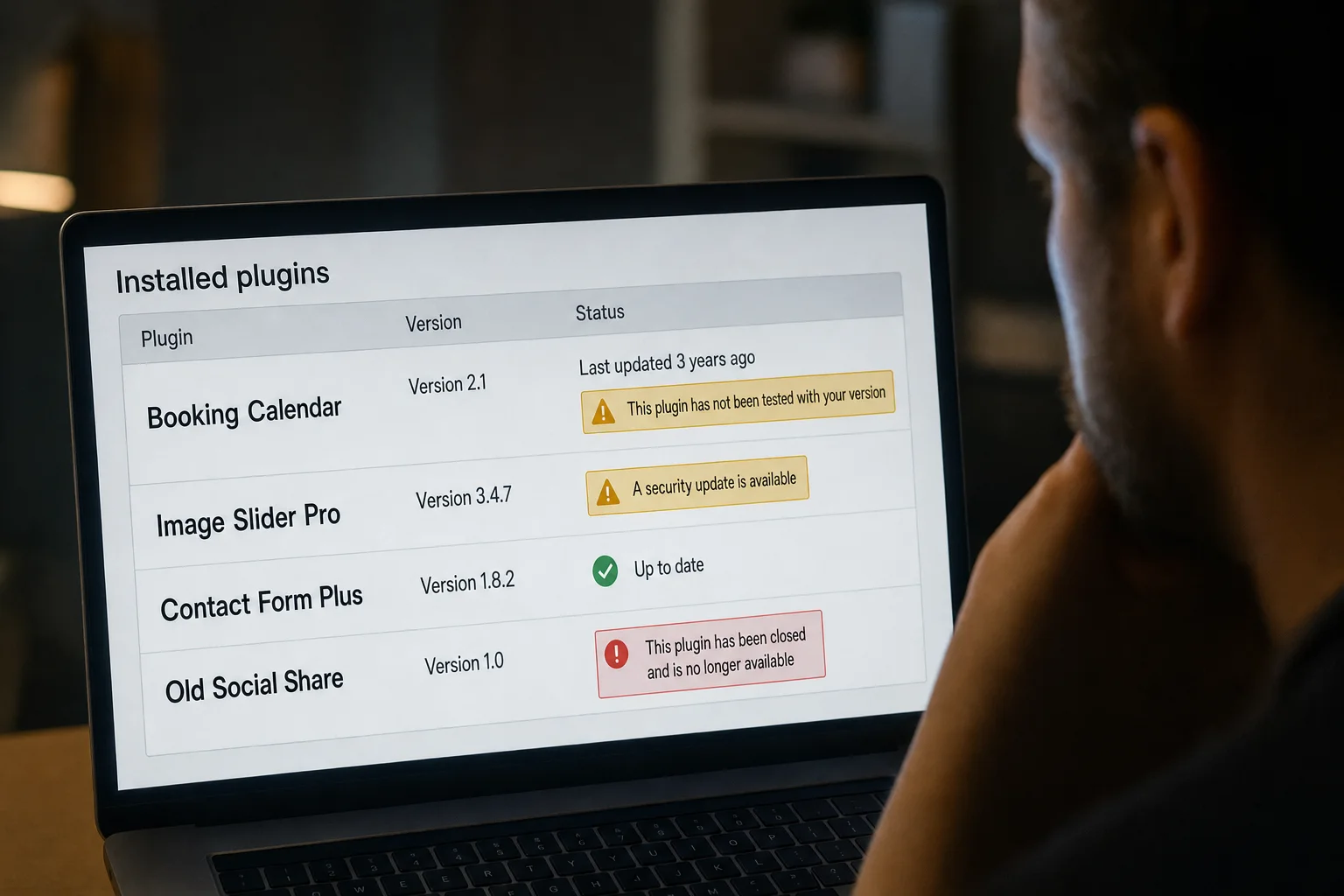
- Plugins and themes. These cause most WordPress security problems. A typical site uses many plugins, each made by a different company or individual. Some are excellent and updated often. Others are abandoned, and a flaw found in one can stay open forever.
- Missed updates. Most attacks use flaws that already have a fix. The site gets hacked because the fix was never installed.
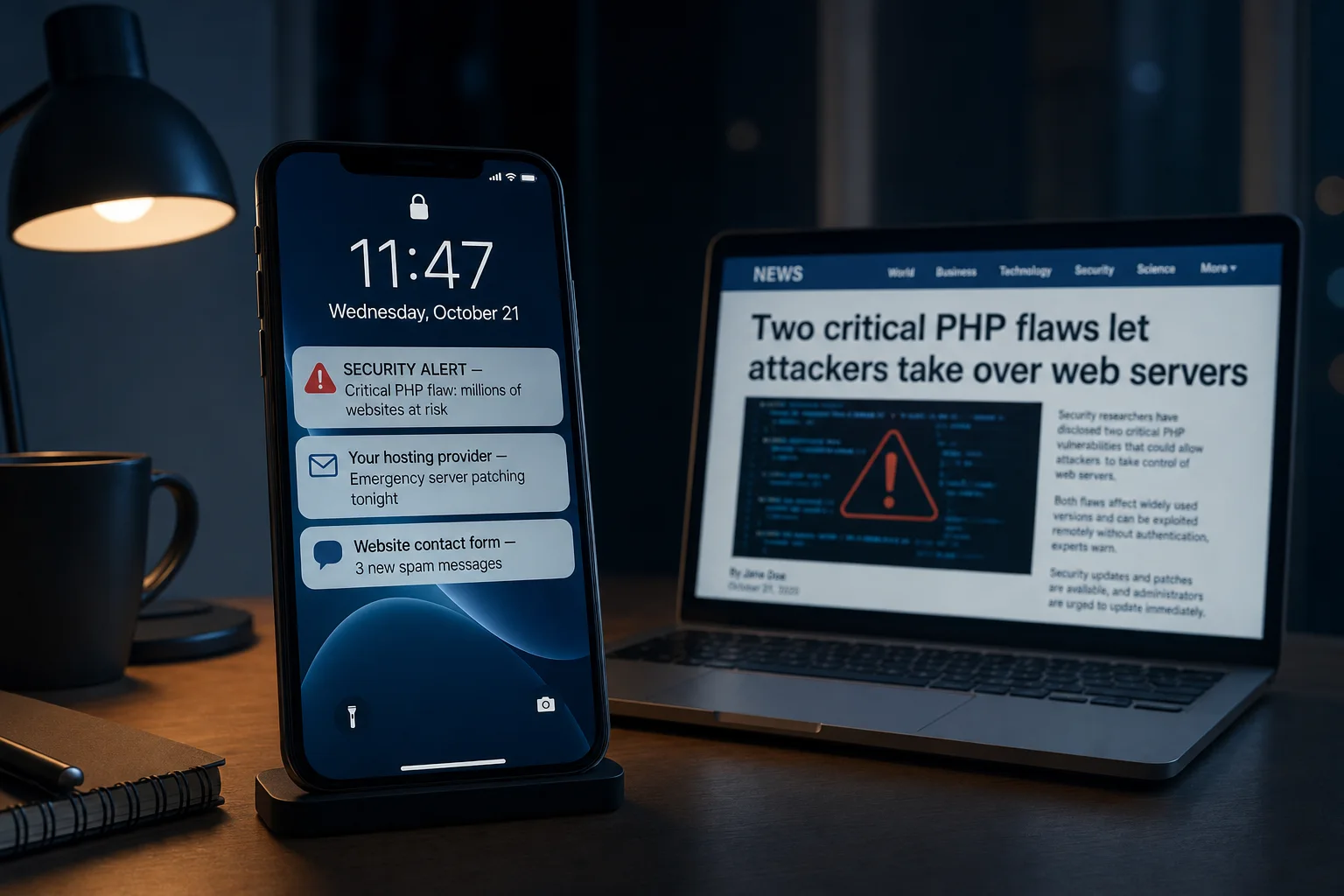
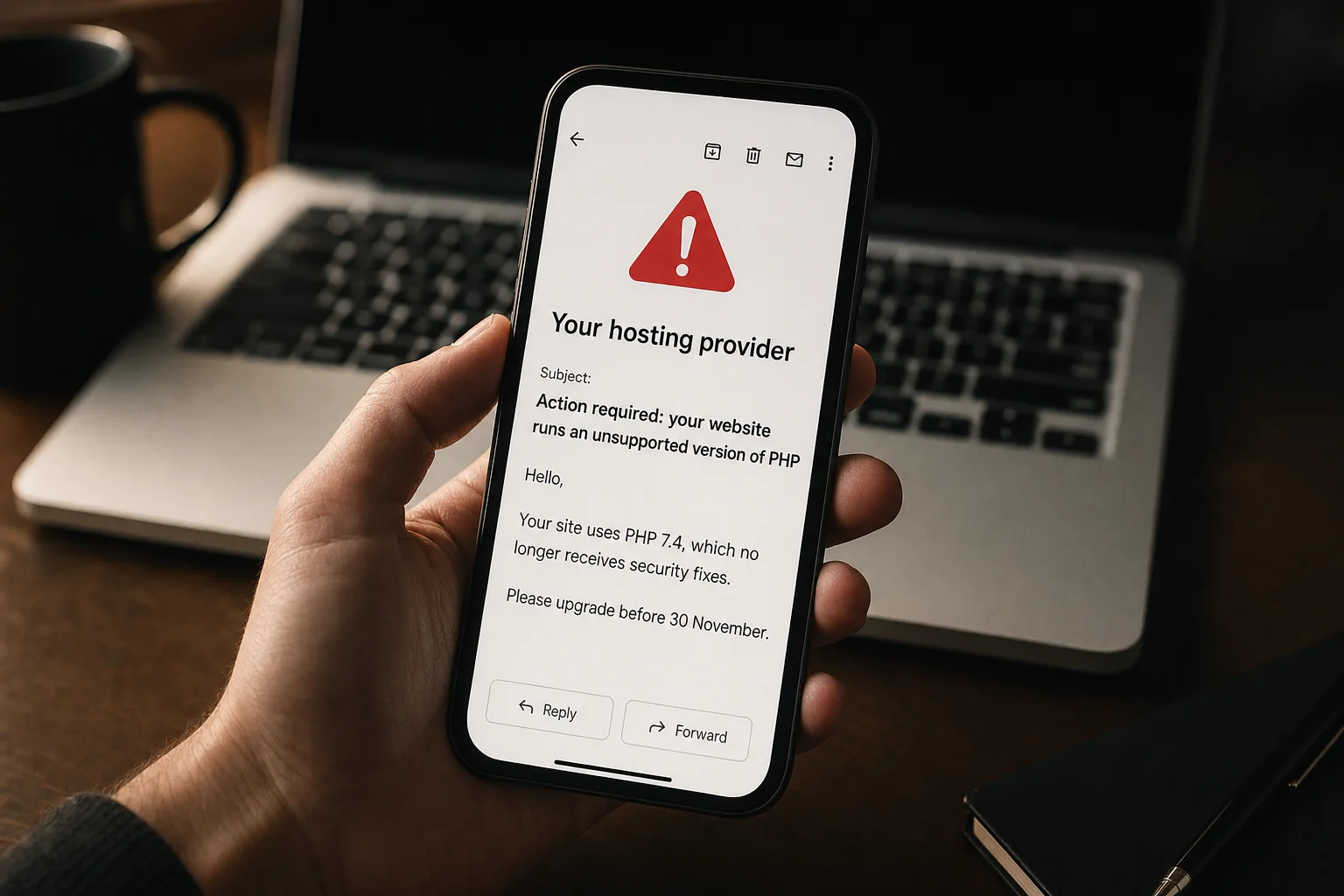
- Old server software. WordPress runs on a language called PHP, which your hosting company provides. In October 2026, two critical PHP flaws let attackers take over servers without any password. Sites on old, unsupported PHP versions may never get a fix. (We explained that one in plain English here.)
- Weak or reused passwords. Automated tools try common passwords on WordPress login pages all day long.
- Cheap or unmanaged hosting. On some low-cost shared hosting, one hacked site can affect others on the same server.
Is your site at risk? A two-minute check
You don't need to be technical to answer these. If you answer "no" or "I don't know" to any of them, your site deserves some attention.
- Do you know who is responsible for updating your website?
- Has WordPress, your theme and your plugins been updated in the last month?
- Do you know how many plugins your site uses, and does it still need all of them?
- Do you have a recent backup, and do you know where it is?
- Does every person with a login use a strong, unique password?
- Has your hosting company confirmed your site runs on a supported version of PHP?
How to keep a WordPress site secure
If you are staying on WordPress, these are the habits that prevent most problems:
- Update every month, and immediately for security fixes. That means WordPress, the theme and every plugin. Turn on automatic updates where you can.
- Remove what you don't use. Every unused plugin and theme is one more thing that can go wrong. Delete them, don't just switch them off.
- Only install well-supported plugins. Check when a plugin was last updated and how many people use it.
- Keep automatic backups stored away from the website, so a problem with the site can't take the backups with it.
- Use strong passwords and two-step login for everyone with access, and remove old accounts.
- Use a security plugin or firewall service to block known attacks.
WordPress hosting security: what to ask your host
A good hosting company does a lot of the heavy lifting. Send them these questions:
Which version of PHP is my site running, and is it still supported? Do you apply security updates to the server automatically? How often do you back up my site, and how do I restore it? Do you monitor for malware, and what happens if my site is hacked?
Clear, confident answers are a good sign. Vague ones are worth acting on.
The honest trade-off
None of this is a reason to panic about WordPress. It powers a huge share of the web, and with good care it works well. But it does come with a standing job: someone has to keep it updated, backed up and watched, every month, for as long as the site exists.
For a publishing company with a developer on staff, that is fine. For a small business that just wants a website that brings in customers, it is often a job nobody signed up for. If that sounds like you, you have three realistic choices:
- Pay for fully managed WordPress hosting, so the host handles updates and monitoring.
- Move to an all-in-one website builder, where the platform handles security for you.
- Choose a platform that publishes finished, "static" pages, with nothing running behind the scenes for attackers to target.
Where Mondovo fits
Mondovo is built around that third option. Every Mondovo site is published as finished pages delivered from a fast global network. There are no plugins to update, no PHP to keep current, and no WordPress-style admin login on your public site for anyone to guess. Security updates, hosting and SSL are our job, not yours. When a WordPress or PHP alert makes the news, there is nothing you need to do.
No website is ever completely risk-free, and we would never claim otherwise. But the fewer moving parts your site has, the less there is to go wrong.
If you are already on WordPress, you don't have to start over. Paste your current web address and we bring your pages and posts across. You review everything before any design is made, then choose from three fresh designs built on your own content. Some things, like forms, bookings and payments, are set up fresh rather than copied, and our WordPress migration guide explains exactly what comes across. Building and trying out your new site is free.
See how moving from WordPress works →
Already dealing with a hacked site? Start with our guide: WordPress site hacked? What to do in the next hour.