Blog
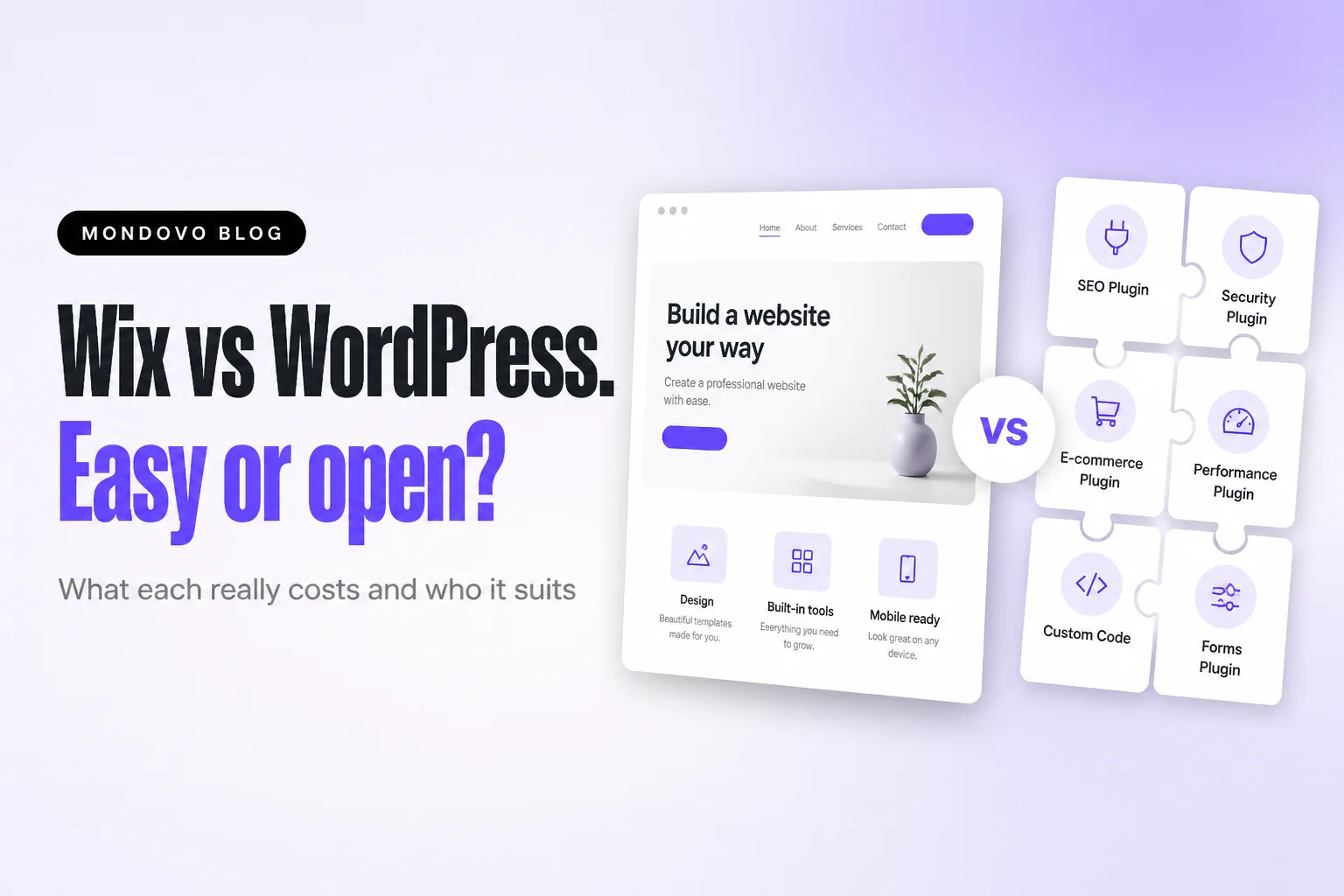
Wix vs WordPress (2026): convenience or control?
Tired of WordPress renewals and plugin updates, or stuck with a Wix template you can't change? Who should pick which, and a third option that fixes both.
Somebody told you WordPress is free. Then the hosting renewal arrived at three or four times the price you signed up at, a plugin asked to be updated, and the site went white for an afternoon.
Or it went the other way. You built on Wix because it was easy, and now you want a new look and find out that means a new site. Wix takes the upkeep and locks the design. WordPress frees the design and hands you the upkeep. We built Mondovo because we thought you should get both halves, so I'll compare all three.
The short answer
Pick Wix if you want everything in one place, with hosting, security, updates and support handled, and a site you can run without technical help. For a plumber or a salon, it's simpler than WordPress.
Pick WordPress if you want to own the software, add almost anything with plugins and move hosts whenever you like, and you accept that keeping it updated is your job or a developer's. For a large content site or something unusual, it's the most flexible.
Pick Mondovo if you want Wix's "nothing to maintain" without being stuck with the template you chose on day one. You get three complete designs with your own content in them, can switch designs later with a click, and never update a plugin. A live site is $20 a month.
Wix vs WordPress vs Mondovo at a glance
"WordPress" means two things. WordPress.org is the free software you install on hosting you pay for. WordPress.com is a hosted service that runs it for you.
| Wix | WordPress.org (self-hosted) | WordPress.com | Mondovo | |
|---|---|---|---|---|
| Start-up cost | Free plan; own domain needs a paid plan, priced by location | Software free; hosting from about $2 to $4 a month at first | Free plan; own domain from $4 a month billed yearly | Building and previews free; a live site, on any address, $20 a month |
| Plugins and apps | Wix App Market | Tens of thousands of plugins and 8,700+ free themes | Plugins on paid plans | No plugins; bookings, store, forms, email built in |
| Updates and security | Wix | You | WordPress.com | Mondovo; nothing for you to update |
| Change your design later | Can't switch template on an existing site | Switch themes any time | Switch themes any time | Up to ten designs per site; switch with a click |
| Selling online | From Core | WooCommerce (free plugin) plus payment fees | Full WooCommerce on Commerce, $45 a month | Store built in: cart, checkout, payments, orders |
| Move to another host | No | Yes | Yes | Download the published site as files |
What each one really costs
With Wix, the price is the plan, and hosting, security and updates are included. The awkward bit is that Wix's plans page says prices and currency vary by location and the US-dollar figures it showed me included GST, so I can't quote a clean US price. Check Light or Core at your own checkout. Core is the one that takes payments.
WordPress's software is free. Running it isn't:
- Hosting, first term: $1.99 to $3.99 a month at DreamHost, Hostinger, SiteGround and Bluehost, renewing at $7.99 to $17.99.
- A domain: about $11 a year.
- A premium theme: Astra Pro is $99 the first year, then $149.
- Backups and security: UpdraftPlus Premium from $70 a year, or Jetpack Security at $9.95 a month the first year, then $19.95.
Almost everything is cheap in year one and goes up in year two. WordPress.com sits in between: $4 a month billed yearly for Personal, $25 for Business and $45 for Commerce.
Mondovo: building, redesigning and editing are free, and previews are free to share with anyone. Pro is $20 a month for one live site on your own domain, with hosting and SSL. There's no theme, backup plugin or security suite to add, and it's one flat price rather than an introductory rate that jumps at renewal. The domain is registered separately.
If you'd rather see your own business in three designs before deciding, try it free.
Ease of use
Wix is built for people who've never made a website: drag and drop, an AI builder, nothing to install. WordPress's block editor is pleasant for writing posts, but first you choose hosting, a theme and plugins, then keep them all updated. Wix is easier by a distance.
Mondovo: you describe the business, or paste your current site's address, and it plans the pages and shows you the plan before designing. Then you edit on the page, or ask for changes in words, even from inside ChatGPT or Claude.
Design and flexibility
Wix has more than 2,000 templates, but you can't switch template on an existing site. A new look means a new site. WordPress lets you change theme whenever you like, and plugins add almost anything, from memberships to booking engines to multilingual sites. WordPress wins, though every plugin is one more thing to update.
Mondovo: you start from three complete designs built from your own content, not a gallery. Up to ten designs can sit on one site, and switching the live one is a click, so a fresh look two years from now isn't a rebuild. What you don't get is WordPress's plugin directory. If your site depends on one niche plugin, WordPress is still the answer.
SEO
Both rank fine when the content is good, and our free keyword lists show what people actually search for. Wix includes titles and descriptions, a sitemap, structured data, bulk redirects, and editable robots.txt and canonicals. WordPress has a built-in sitemap, and most sites add a plugin like Yoast (over 10 million active installs) for the rest. On WordPress.com, the built-in SEO tools need Premium or higher. Call it a tie.
Mondovo: per-page titles, descriptions, sitemaps and structured data are built in, with no SEO plugin to install. Moving in, every old page address is redirected to the closest new page with a 301, so your rankings don't vanish with the old site.
Selling online
On Wix, selling starts on Core. In the US, Wix Payments costs 2.9% + $0.30 per online transaction. On WordPress, WooCommerce is free and runs stores of any size; the costs are hosting, extensions and your time. On WordPress.com, payment features carry a fee from 8% on Personal to 0% on Commerce. A simple shop is less work on Wix. A big or unusual one is better on WordPress.
Mondovo: the store is built in, with cart, checkout, payments and orders, and so are bookings with deposits, which suits a salon or a dog groomer that takes money up front. For a very large catalogue or unusual checkout, WooCommerce gives you more room.
Upkeep and security
On Wix, hosting, updates and security patches are Wix's job. On self-hosted WordPress they're yours: the core, the theme and every plugin need updating, and backups are something you set up. WordPress.com takes much of that on, which makes it the middle ground if you like WordPress and hate maintaining it.
Mondovo: no core, theme, plugin or PHP to update, and no backups to take. Pages are served as static files from a global network, and platform security is our job. That white-screen afternoon from the top of this post can't happen, because there's no update for you to run.
Moving away later
A Wix site can't be hosted anywhere else, so leaving means rebuilding. WordPress moves to any host, files and database included.
Mondovo: you can download the published site as ready-to-host files, and your domain stays registered with you. Forms, bookings and checkout only work while the site is on Mondovo, and order history doesn't migrate in either direction.
What I'd do instead
Wix makes you pay with the redesign you can't do. WordPress makes you pay with your evenings. Mondovo is our attempt at a site that costs you neither.
- Moving off WordPress without a weekend of copying. Point Mondovo at your WordPress site and it brings across your pages, posts and products. Every old address, WordPress-style links included, is redirected, and anything it couldn't match exactly is flagged for you to check.
- Coming from Wix? Paste the address. It reads your pages, text, images, logo and brand colours.
- The features plugins used to do. Forms with an enquiry inbox, contacts, email, a chat widget and an AI receptionist for phone calls sit alongside the store and bookings.
What you give up: Mondovo is younger than either, with a smaller app ecosystem and no plugin directory. See how a move off WordPress works, Mondovo vs WordPress or Mondovo vs Wix.
Paste your site's address and see it redesigned, free.
Prices and features checked on 20 October 2026. They change, so check the linked pages before you buy.
Frequently asked questions
Is Wix better than WordPress?
Wix is better if you want an easy, all-in-one site with nothing to maintain. WordPress is better if you want full control, plugins and the freedom to move hosts. For most small businesses, I'd pick less to maintain.
Is there an alternative to both Wix and WordPress?
Yes. Mondovo looks after hosting and security like Wix, but lets you keep several designs on one site and switch between them, and it can bring your WordPress pages and posts across for you. Building is free; a live site is $20 a month.
Is WordPress cheaper than Wix?
In the first year it can be, because entry hosting starts around $2 to $4 a month. At renewal those plans run $8 to $18 a month, and with a premium theme and backup tools WordPress often costs as much as Wix or more.
What's the difference between WordPress.com and WordPress.org?
WordPress.org is the free software you install on hosting you pay for, and you look after it. WordPress.com runs WordPress for you, from free up to $45 a month billed yearly.