Blog
Webflow vs WordPress (2026): which is right for your site?
Webflow is a visual design tool with hosting built in; WordPress is the open-source platform behind much of the web. How they compare on cost, design, content and upkeep.
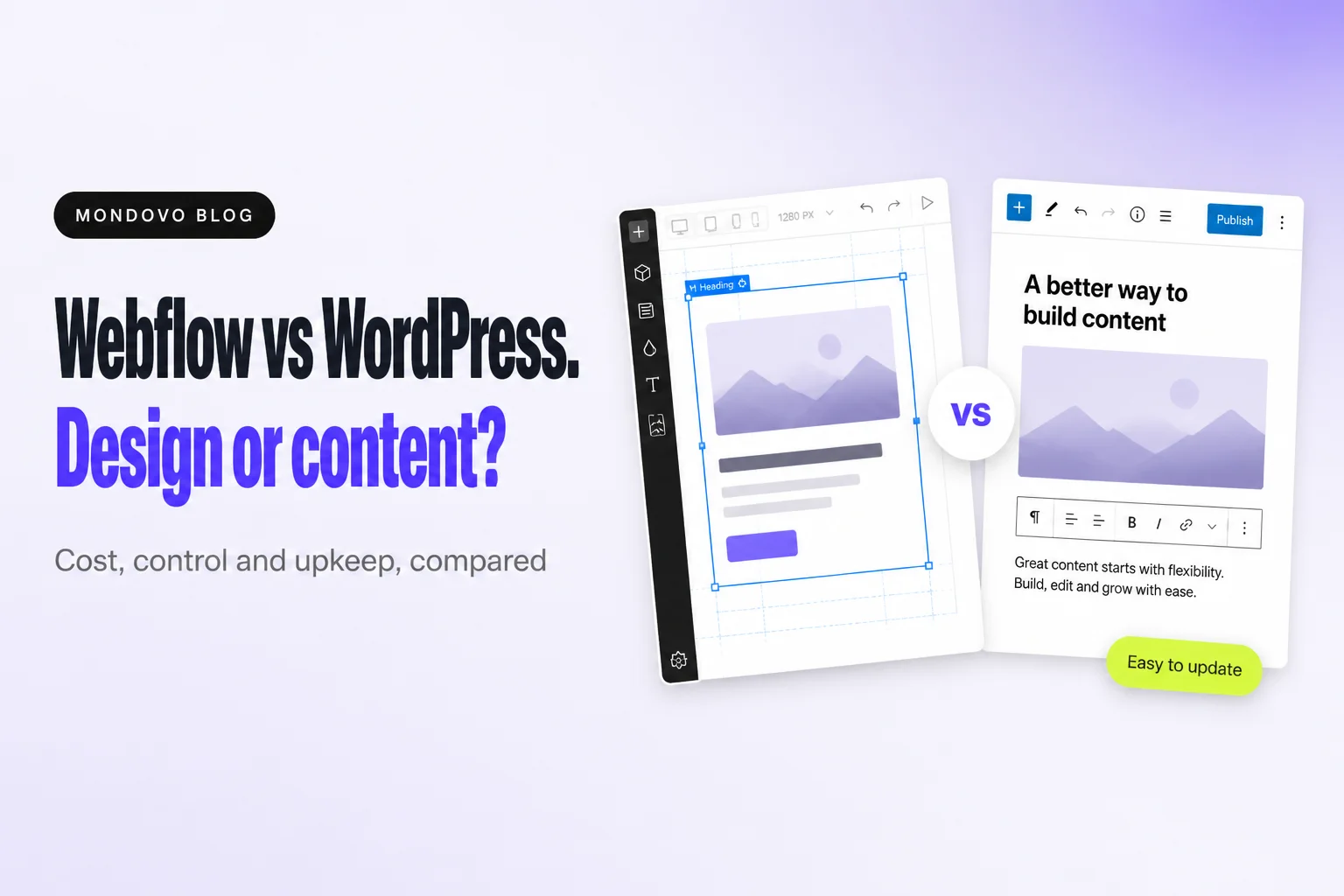
Choose Webflow if a designer will build the site and you want precise visual control, hosting and security handled for you, and a clean editor for the people updating content. Choose WordPress if you need plugins for almost anything, a very large content library, full ownership of the software, or the lowest possible running cost. In short, Webflow is a design platform with a CMS, and WordPress is a CMS you can design.
Figures below come from Webflow's and WordPress's own pages, read on 20 October 2026, in US dollars. We make Mondovo, a different website builder. It isn't part of this verdict.
Webflow vs WordPress at a glance
| Webflow | WordPress (self-hosted) | |
|---|---|---|
| What it is | Visual design tool with hosting and a CMS | Open-source CMS you install on your own hosting |
| Cheapest plan with your own domain | Basic, $15/mo billed yearly ($25 monthly), no CMS | Software free; hosting from about $2–$4/mo at first |
| CMS | Premium site plan, $25/mo billed yearly: 20,000 items, 40 collections | Built in, no item limits |
| Design control | Visual canvas on real HTML and CSS: flexbox, grid, classes | Themes plus the block editor; deeper changes need code or a page builder |
| Extensions | Built-in features plus apps | Tens of thousands of plugins |
| Selling online | Ecommerce plans from $29/mo billed yearly (2% fee on Standard) | WooCommerce, free plugin |
| Updates and security | Webflow | You |
| Templates and themes | 7,000+ templates | 8,700+ free themes in the official directory |
Who should choose which
- Webflow suits design-led companies, agencies and freelance designers, and marketing teams that want to publish pages without a developer once the design system exists.
- WordPress suits publishers and content-heavy sites, businesses that need a specific plugin, tight budgets, and anyone who wants to own the software and choose their host.
Pricing
Webflow sells two kinds of plan. Site plans pay for hosting each site: Basic is $15 a month billed yearly ($25 monthly) with no CMS, and Premium is $25 a month billed yearly ($39 monthly) with the CMS. Workspace plans pay for the people building: Core is $19 a month billed yearly, Growth $49, Freelancer $16 and Agency $35. Extra full seats are $39 a month billed yearly. Stores are separate Ecommerce plans: $29, $74 or $212 a month billed yearly.
WordPress itself is free. You pay for hosting, which is cheap in the first term and much more at renewal. Entry plans go from $1.99–$3.99 a month to $7.99–$17.99 a month at DreamHost, Hostinger, Bluehost and SiteGround. On top of that come a domain (about $11 a year) and any premium theme or plugins you choose.
Winner: WordPress on cost, by a wide margin for content sites. Webflow's CMS plan alone is $300 a year.
Design control
Webflow's Designer is a visual canvas on the HTML and CSS box model, with flexbox, grid and a class system. Designers get web-standard control without writing code, and the output is clean. WordPress design runs through themes and the block editor. Pixel-level control usually means a page-builder plugin or custom theme code.
Winner: Webflow.
Content management
WordPress was built for content, with posts, categories, tags, revisions and no item limits. Webflow's CMS is structured and pleasant to use. It needs the Premium site plan, which allows up to 20,000 items and 40 collections, and CMS content can't be exported as code.
Winner: WordPress, for large or complex content.
Extensibility
WordPress's plugin ecosystem is its biggest advantage: almost any feature exists as a plugin, free or paid. Webflow keeps more built in (forms, hosting, SEO controls, localization add-ons from $9 a month) and adds apps and custom code. Unusual features usually mean building something yourself.
Winner: WordPress.
SEO
Webflow includes the controls most sites need: per-page titles and descriptions, alt text, Open Graph, canonical tags, a sitemap, robots.txt and llms.txt, schema markup and 301 redirects. Some of these need a paid plan. WordPress has a built-in sitemap and typically adds a plugin such as Yoast (over 10 million active installs) for meta tags and structured data. Its redirect manager is a paid upgrade.
Winner: tie. Webflow needs less setup, and WordPress has more SEO tooling.
Maintenance and security
Webflow hosts on a global CDN and handles updates and security itself. Self-hosted WordPress needs its core, theme and plugins kept up to date, and backups set up, usually through a plugin or a host's managed plan.
Winner: Webflow.
AI features
Webflow has an AI site builder that generates "an entire website with a scalable design system", plus AI for sections, CMS items, code components, and SEO and AEO audits. Credits come with every Workspace plan. On WordPress, AI arrives through plugins, or through WordPress.com's WordPress Agent on its paid plans.
Winner: Webflow, for AI built into the platform.
The verdict
Pick Webflow when design quality and a no-maintenance platform matter most, and a designer is involved. Pick WordPress when content volume, plugins, budget or ownership matter most.
Not sold on either? A third option
Both assume someone will design the site, either by hand in Webflow or by choosing and adjusting a WordPress theme. Mondovo generates three complete designs from your content, and you pick the one you like. Forms, bookings, payments and per-page SEO are included, there are no plugins to update, and hosting is handled. It can also bring an existing WordPress site's pages and posts across. Building is free, and a live site on your own domain is $20 a month. See Mondovo vs Webflow or Mondovo vs WordPress.
Frequently asked questions
Is Webflow better than WordPress?
Webflow is better for visual design control and a site you don't have to maintain. WordPress is better for content-heavy sites, plugins and low running costs.
Is Webflow more expensive than WordPress?
Usually, yes. Webflow's CMS site plan is $25 a month billed yearly, before workspace seats. WordPress hosting starts around $2–$4 a month in the first term, and $8–$18 a month at renewal on entry plans.
Can I move from WordPress to Webflow?
Yes, but it is a rebuild. You design the site in Webflow and import or recreate the content in its CMS. Then you redirect old addresses so you keep your rankings.
Which is better for SEO, Webflow or WordPress?
Both can rank well. Webflow includes SEO controls out of the box. WordPress usually relies on a plugin such as Yoast.
Do I need to know code to use Webflow?
You don't need to write code, but Webflow's Designer follows how HTML and CSS work. People who understand layout concepts like flexbox and classes get the most from it.