Blog
WordPress Site Hacked? What to Do in the Next Hour (and How to Stop It Happening Again)
Red warning screen, spam redirects, strange pages in Google? Here's a calm, step-by-step plan for a hacked WordPress site, written for business owners, not developers.
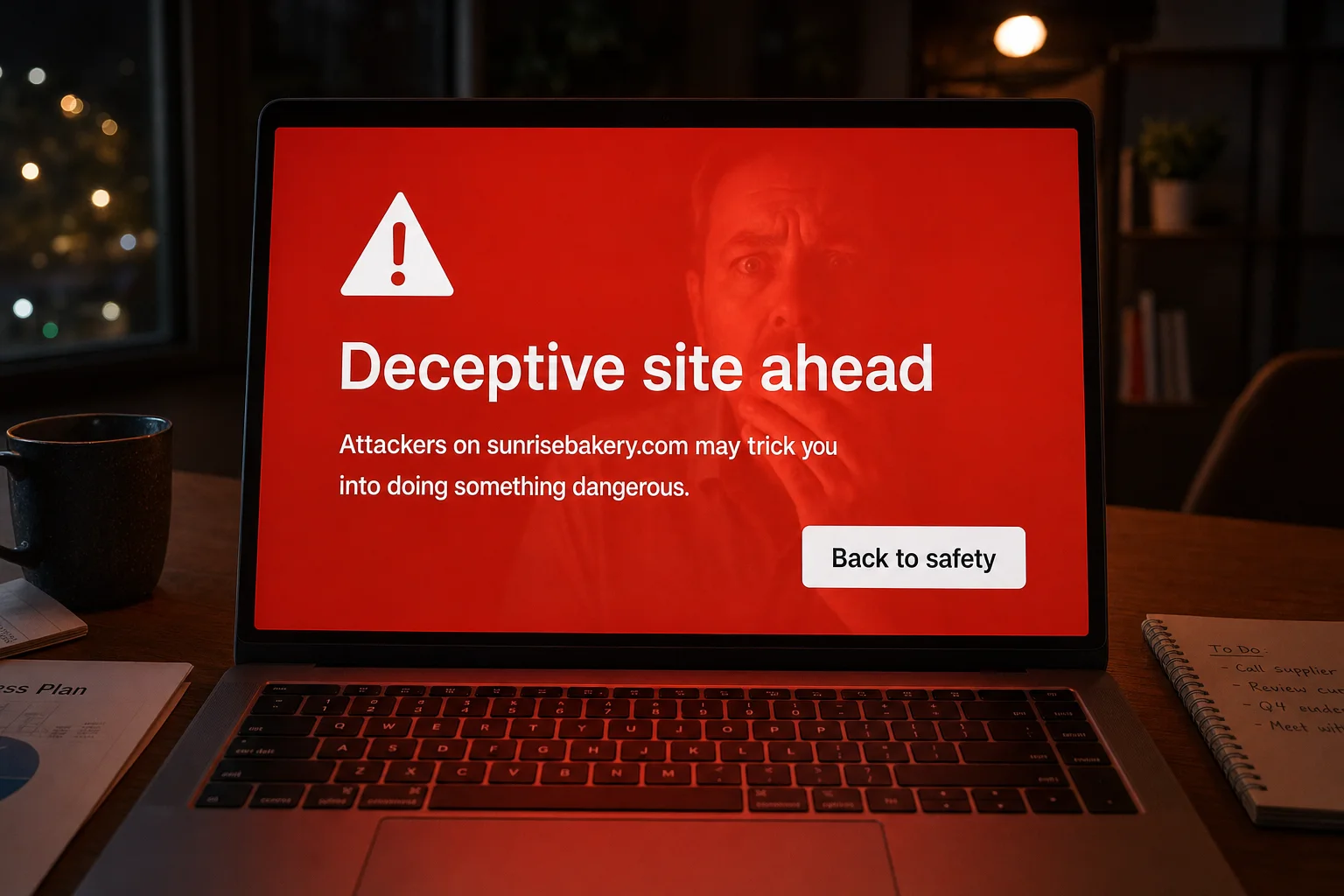
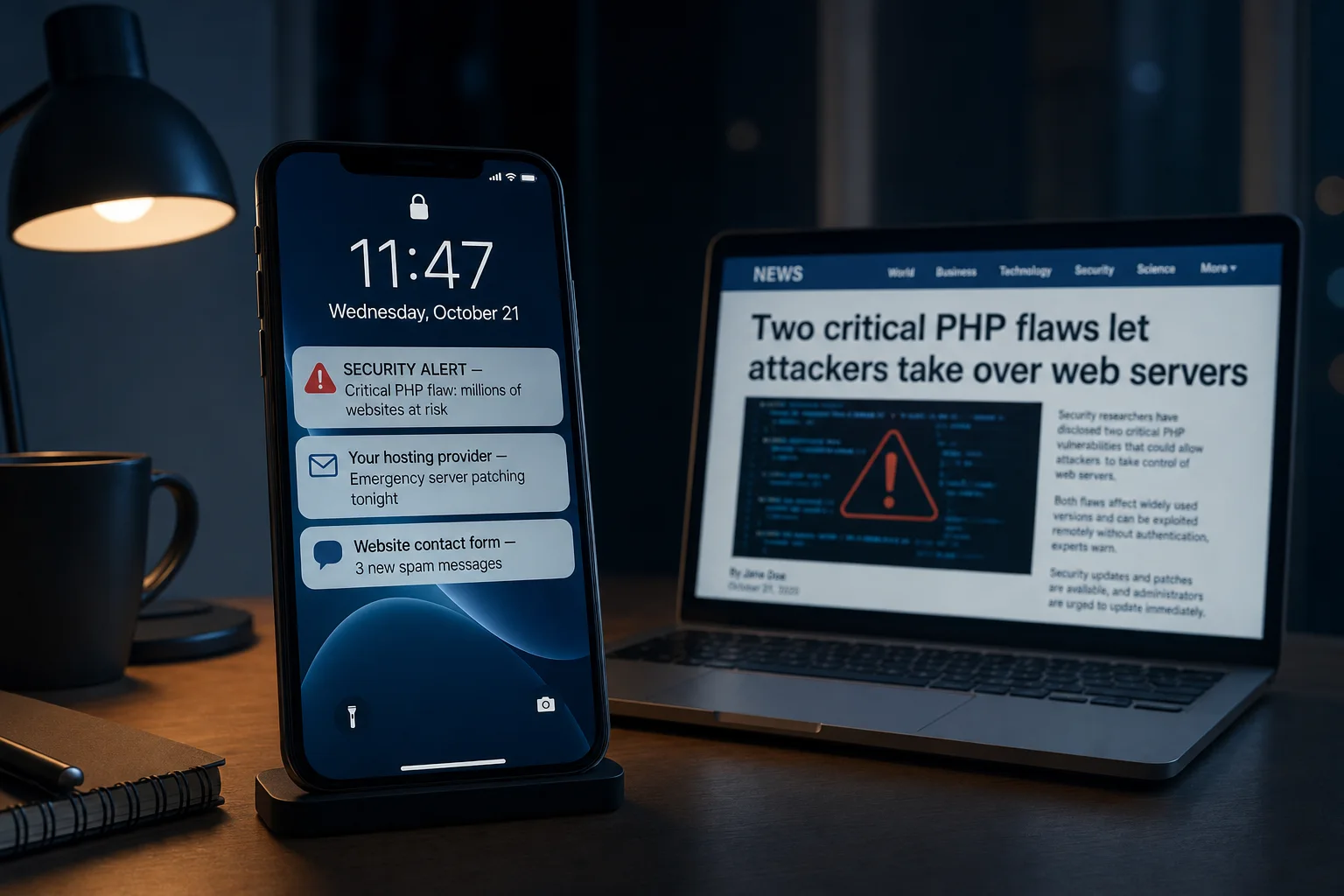
Finding out your website has been hacked is a horrible feeling. Customers might be seeing a red warning screen, your site might be sending visitors to spam, or your host might have taken it offline. The good news is that hacked WordPress sites are very common and very fixable. This guide walks you through what to do, step by step, in plain English.
Signs your WordPress site has been hacked
You may have noticed one or more of these:
- A red "Deceptive site ahead" or "This site may be harmful" screen when you or your customers visit the site.
- "This site may be hacked" under your site's name in Google search results.
- Visitors being redirected to spam, gambling, pharmacy or adult websites, sometimes only on phones or only when arriving from Google.
- Strange pages in Google, often in Japanese or full of product names you don't sell.
- You can't log in, or there are admin users you don't recognise.
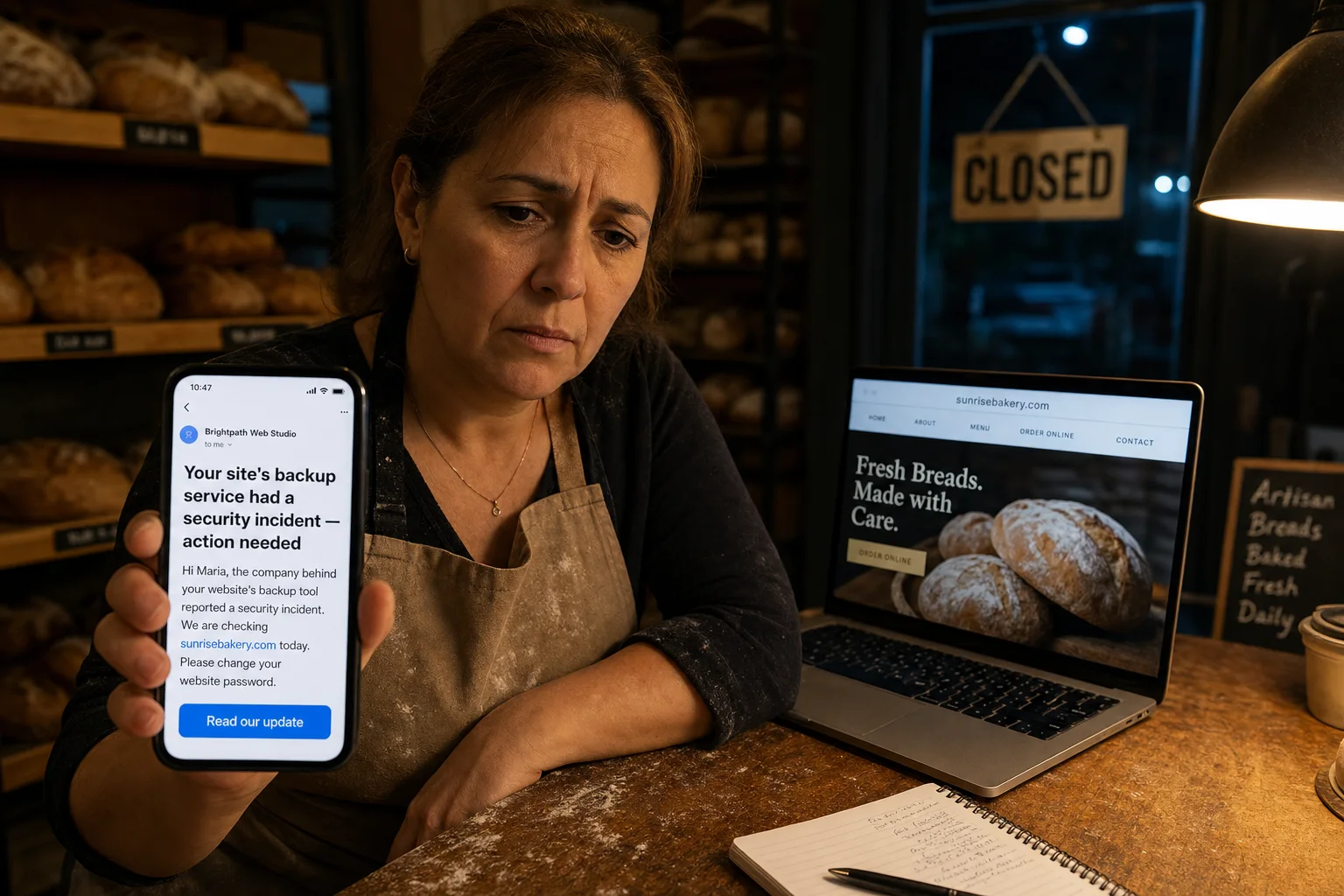
- An email from your host saying your site was suspended, or from Google Search Console about "security issues".
- The site is suddenly very slow, or your host reports unusual activity.
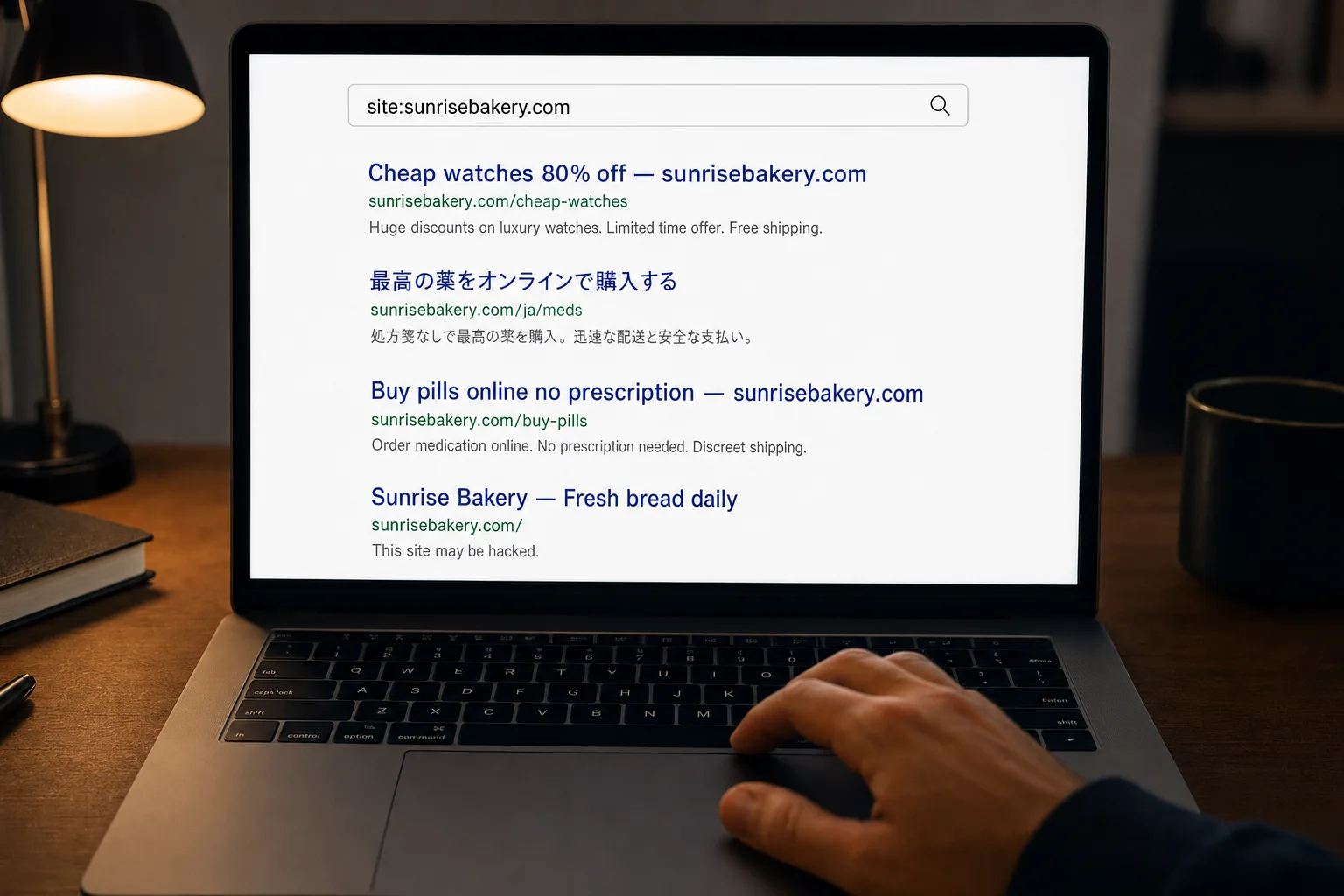
If any of those sound familiar, don't panic. Work through the steps below in order.
What to do in the next hour
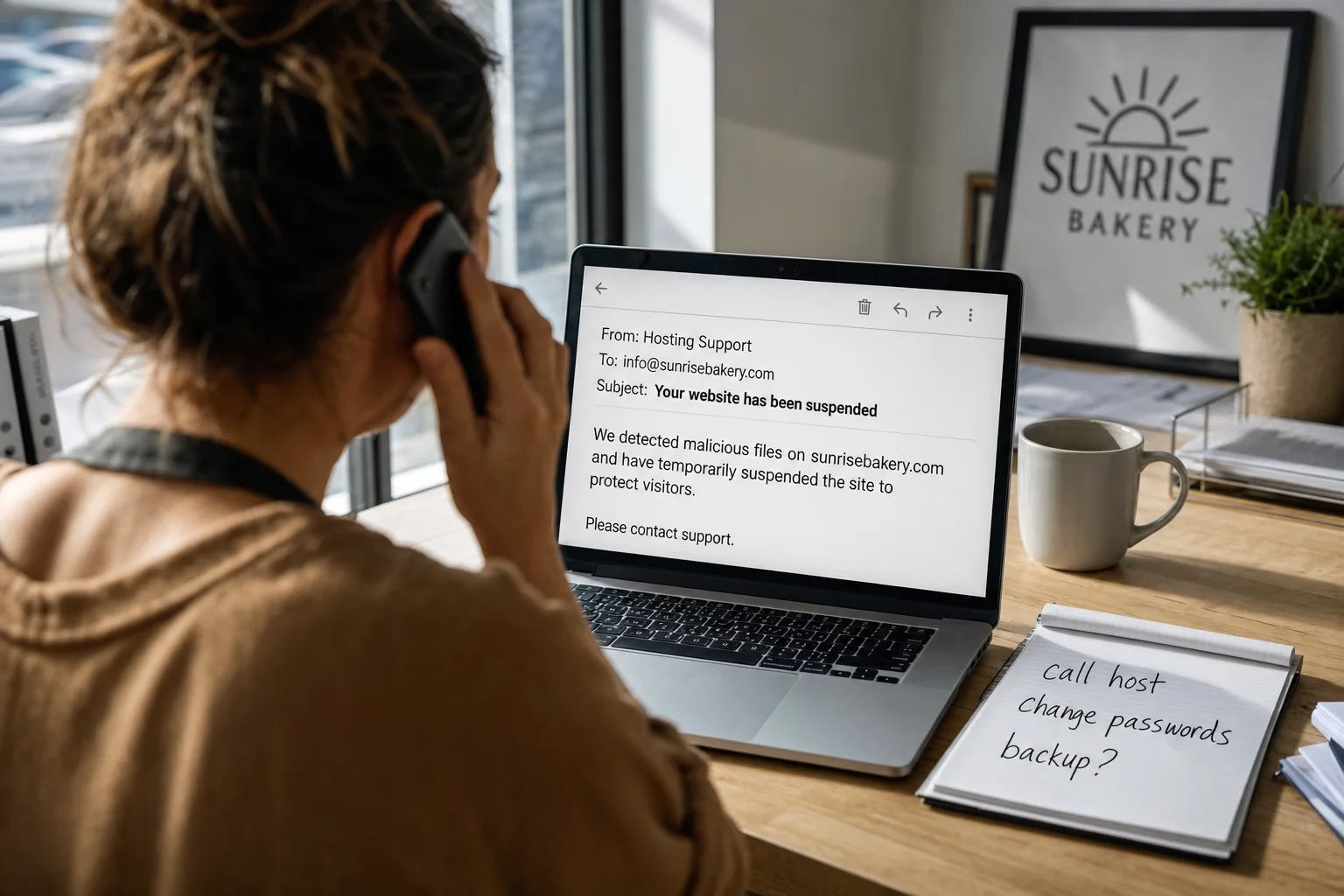
- Call or message your hosting company first. Tell them the site has been hacked. Most hosts can confirm the problem, take the site offline safely, and tell you which backups they have. Ask them: "Do you have a clean backup from before the hack, and can you help restore it?"
- Change every password. That includes your hosting account, every WordPress admin user, and the email account linked to the site. Use a different strong password for each. Ask your host to change the database password too.
- Check who has access. In WordPress, go to Users and remove any administrator you don't recognise.
- Don't delete things in a hurry. It is tempting to start removing files, but you can lose evidence of how the attacker got in, or break the site further. Let your host or a professional guide you.
- Write down what you've seen and when: screenshots of warnings, odd pages, strange emails. It will help whoever fixes it.
Getting the site clean
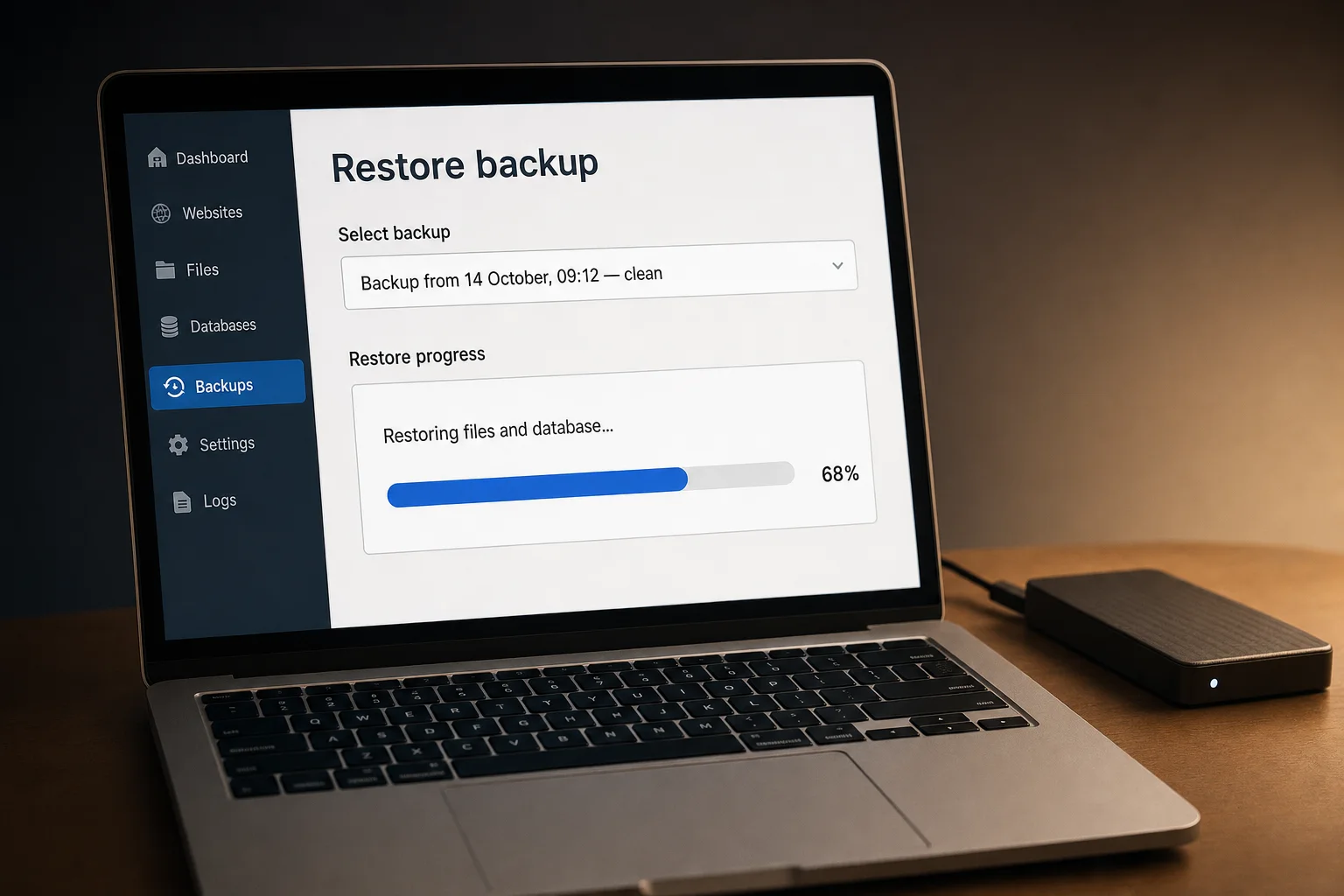
There are two main ways back to a clean site:
- Restore a clean backup. If you or your host have a backup from before the hack, restoring it is usually the fastest fix. Afterwards, update everything straight away, otherwise the same hole lets the attacker straight back in.
- Get a professional cleanup. If there's no clean backup, or you don't know when the hack started, use a malware removal service. Many hosts offer one, and specialist WordPress security companies do this every day. A proper cleanup removes the malware and any hidden "backdoors" attackers leave so they can return.
Once the site is clean:
- Update WordPress, your theme and every plugin, and ask your host to confirm the server runs a supported version of PHP.
- Delete plugins and themes you don't use.
- Remove the Google warning. In Google Search Console, open "Security issues" and request a review. Google usually checks within a few days, and the warning disappears once the site is confirmed clean.
- Think about your customers. If the site collected personal details or payments, you may need to tell the people affected. Get advice on what applies in your country.
How do you know it's really fixed?
Check the site on your phone and computer, search Google for site:yourdomain.com to look for strange pages, and keep an eye on it for a few weeks. If the problem comes back within days, a backdoor was probably missed, and it's time for a professional cleanup.
How to stop it happening again
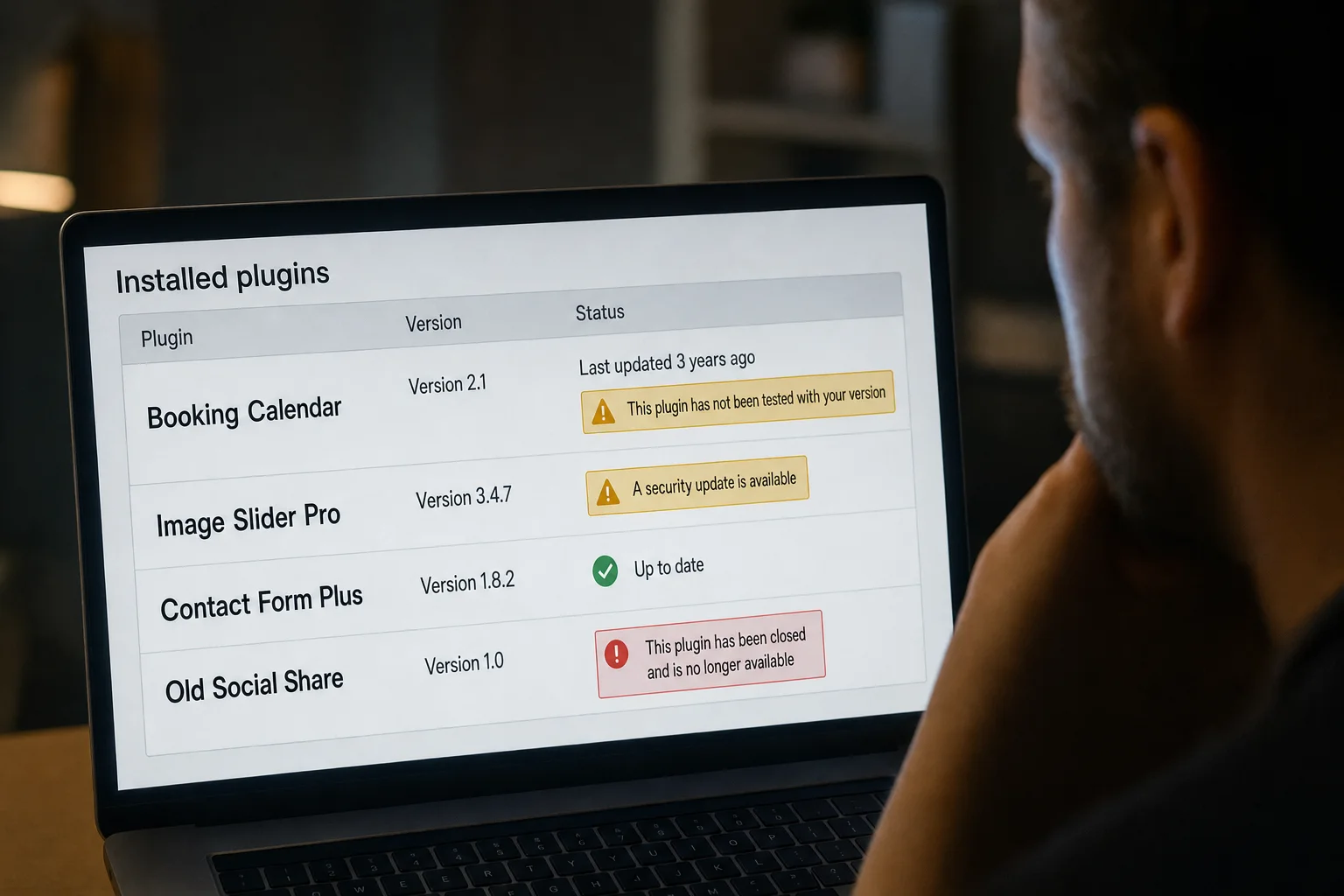
Most WordPress hacks come from the same few causes: a plugin or theme with a known flaw, an update that was missed, old server software, or a weak password. Our guide Is WordPress secure? covers the habits that prevent most of them.
But it's worth asking the bigger question too. If this is the first time you've had to think about plugins, backups and server software, it probably won't be the last. Keeping a WordPress site safe is an ongoing job, and many small business owners decide after a hack that they'd rather not carry it.
If you'd rather not go through this again, you have three realistic options:
- Fully managed WordPress hosting, where the host keeps everything updated and watches for problems.
- An all-in-one website builder, where the platform handles security.
- A platform that publishes finished, "static" pages, so there is no plugin, server code or admin login on your public site for attackers to target.
Starting fresh with Mondovo
Mondovo is built around that last option. Your site is published as finished pages from a fast global network, with no plugins to update and no PHP to patch. Security updates, hosting and SSL are our job, not yours.
Moving a hacked WordPress site is also safer than it sounds. Paste your current web address and we read your public pages and posts, not your WordPress installation, so the plugin files, themes and server code where malware usually hides never come across. You then review everything before any design is made, which is your chance to remove anything you didn't write, such as spam links a hack may have added. Then you choose from three fresh designs built on your own content.
To be upfront, some things are set up fresh rather than copied, like forms, bookings and payments. Our WordPress migration guide explains exactly what comes across. Building and trying out your new site is free.