Blog
When the Tool That Protects Your WordPress Site Gets Hacked
The company behind a popular WordPress backup plugin was hacked, and attackers used that access to sneak into connected websites. Here's who is affected, what to check today, and the bigger lesson.

Most website owners install a backup plugin for one reason: peace of mind. If something goes wrong, you can roll the site back. So it is unsettling news that the company behind one of the most popular WordPress backup plugins was itself hacked this week, and that the attackers used that access to slip into some of the websites connected to it.
Here is what happened in plain English, whether it affects you, and what to do today.
What happened?
UpdraftPlus is a WordPress plugin that backs up websites. It is a well-known, widely trusted tool, with more than four million active installations. The company that makes it, TeamUpdraft, also offers UpdraftCentral, an optional service that lets you (or your web agency) manage many WordPress sites from one dashboard: run backups, update plugins and so on, without logging in to each site.
To make that remote control work, each connected website holds a digital "connection key". Think of it as a spare key you give a trusted building manager.
Over the weekend of 17 and 18 October 2026, TeamUpdraft found that someone had broken into its own systems. The company says it believes its customer database was accessed, and that this included those connection keys, along with customers' names, email addresses, billing addresses and order history. Passwords were stored in scrambled (hashed) form, and card details were not stored at all, because payments are handled by separate payment companies.
Then the spare keys were used. Security firm Patchstack reported that over roughly 18 hours on 18 and 19 October, an attacker holding valid UpdraftCentral keys sent commands that made connected websites install hidden "backdoor" plugins. Patchstack counted 99 different names for these fake plugins, most of them bland labels designed to blend in. The security company Nethemba spotted the attack on its own websites and published the first detailed analysis.
It is important to keep the numbers in proportion. Four million is how many websites use UpdraftPlus. It is not the number that were broken into. Only sites connected to the cloud version of UpdraftCentral were directly exposed, and no one has published a count of how many sites actually received a backdoor.
Should I be worried?
That depends on one question: does your website use UpdraftPlus, and in particular, was it connected to UpdraftCentral?
- If you don't use UpdraftPlus at all, this incident does not affect your site.
- If you use the free UpdraftPlus plugin and never created an account with TeamUpdraft, the company says no action is required beyond keeping the plugin up to date.
- If your site was connected to UpdraftCentral, or you pay for UpdraftPlus Premium, treat it as potentially affected and check it today. TeamUpdraft has asked Premium users to check their sites even if they never knowingly used UpdraftCentral, and Patchstack notes that a connection key can be created automatically when a site is linked to a TeamUpdraft account.
If you aren't sure which applies, that is normal. Agencies often use this kind of remote dashboard to look after clients' sites, so ask whoever manages yours.
One detail makes this more than a "just update and move on" story. Nethemba found that some versions of the backdoor create a new user account that shows up as an ordinary Editor, but quietly has extra powers, including the ability to install plugins. That account stays on the site even after the fake plugin is deleted, and the attacker knows its password. An Editor is easy to overlook when you are scanning for unfamiliar administrators.
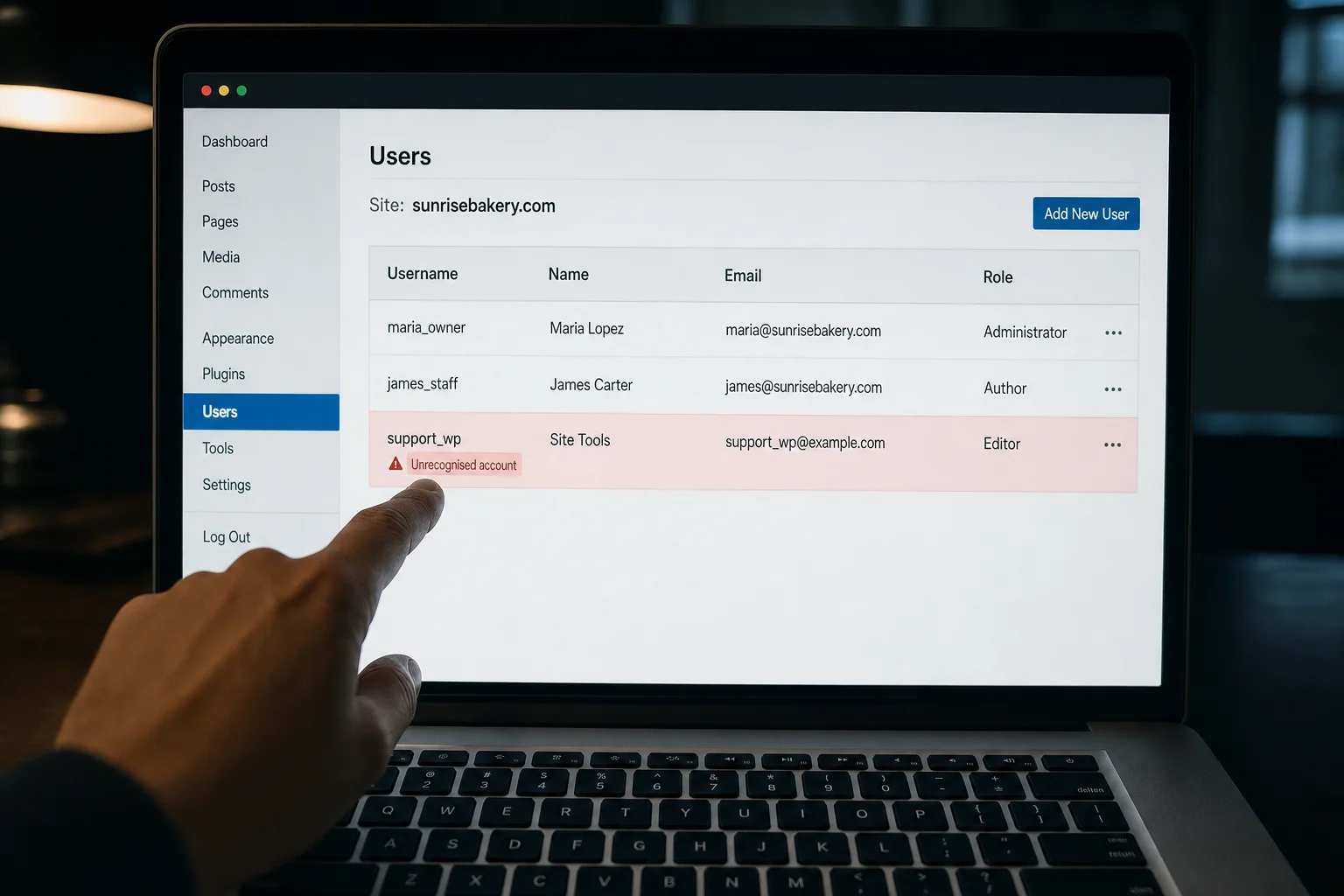
An example of what to look for: an account you don't recognise, often with a harmless-sounding name and the Editor role.
What to do today
Work through this list, or forward it to your developer or agency:
- Ask whoever manages your site whether it uses UpdraftPlus, and whether it was ever connected to UpdraftCentral.
- Follow TeamUpdraft's own advice, published on its security incident page: log in to the site directly (not through the remote dashboard), update UpdraftPlus to the latest version, and delete the UpdraftCentral connection key in the plugin's settings. Security researchers stress that removing the site from the dashboard is not enough: the key on the site itself has to go.
- Check the list of users. Look for any administrator or editor you don't recognise, especially accounts created since 17 October. Remove them, or ask your developer to.
- Check the list of plugins. Anything nobody remembers installing deserves a closer look.
- Change your passwords: every administrator password on the website, and your TeamUpdraft account password if you have one. If you used that password anywhere else, change it there too.
- Ask for a malware scan. If anything suspicious turns up, TeamUpdraft suggests considering a restore from a backup taken before 17 October.
- Be wary of emails claiming to be from the company. TeamUpdraft says it will never ask for your password or keys.
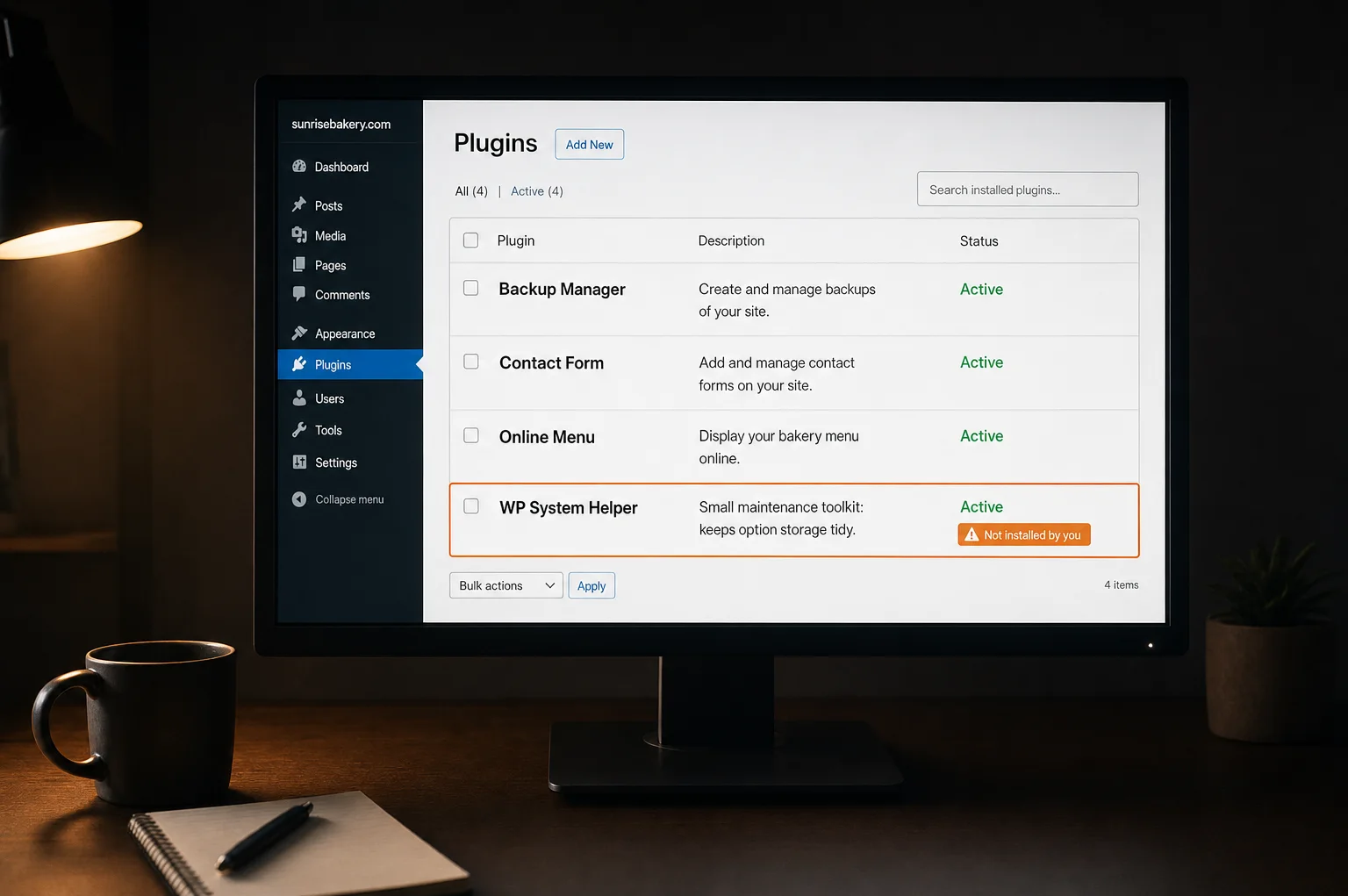
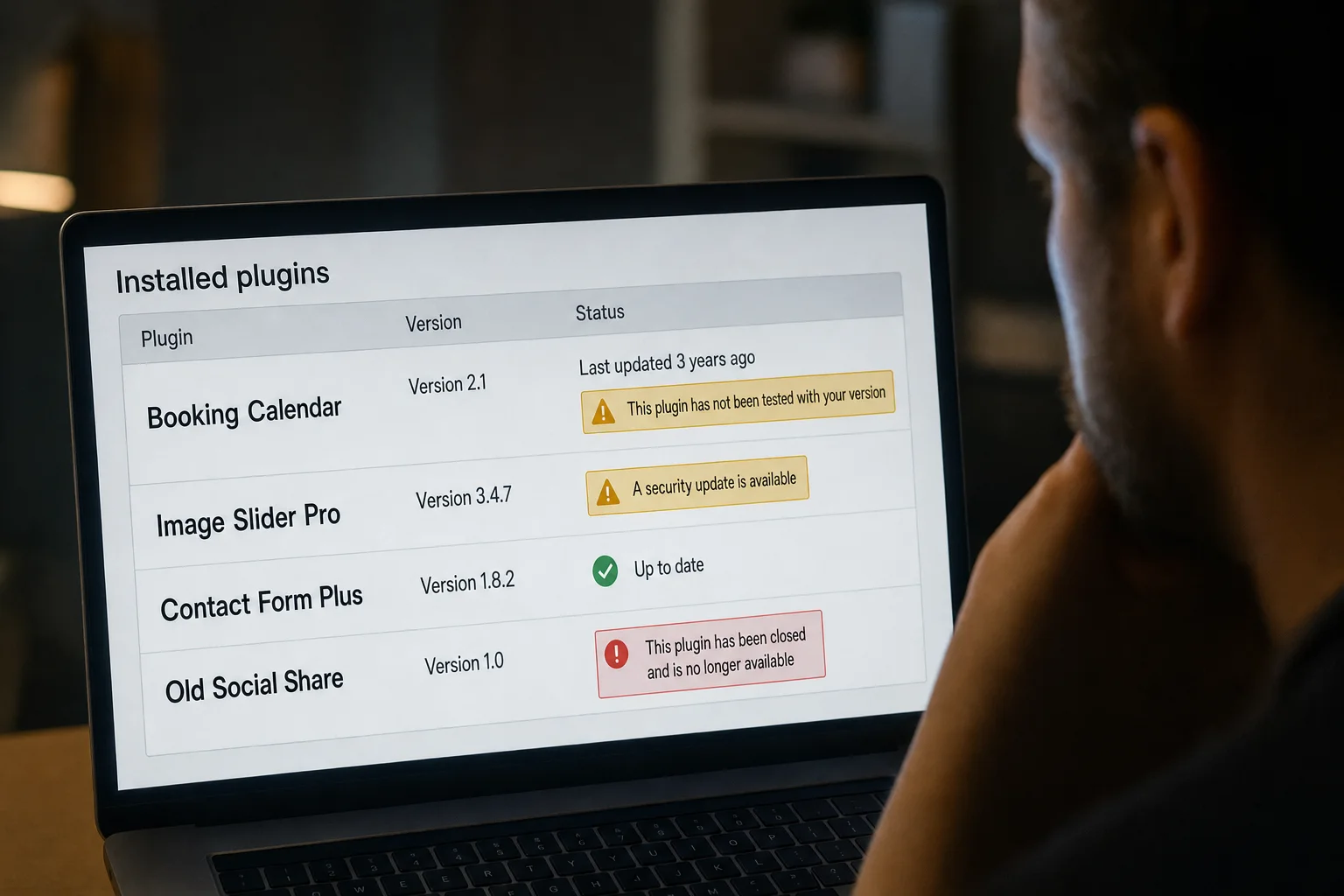
An illustration: backdoor plugins tend to have dull, helpful-sounding names that are easy to scroll past.
If you think your site may already have been broken into, our step-by-step guide on what to do if your WordPress site is hacked walks you through it.
The bigger lesson: every plugin is another key
It would be easy to read this as "UpdraftPlus is bad". That isn't the point, and it wouldn't be fair. UpdraftPlus is a respected plugin that has protected millions of sites, and TeamUpdraft has been open about what happened, published clear steps and shipped an update that cuts off the old connections.
The real lesson is structural. A typical WordPress site is a collection of add-ons from many different companies, and each one is trusted to run inside your website. Some, like remote management services, also hold a key that lets someone outside make changes. Every one of those is another door. When any one of those companies has a bad day, your site can too, even if you did everything right.
This came in the same week as a separate scare about serious flaws in PHP, the software WordPress itself runs on. We explained that one in our plain-English guide to the PHP security scare. If you want the wider picture, read Is WordPress secure?
What are the alternatives?
If you'd rather not keep track of all those keys yourself, there are three sensible routes:
- Managed WordPress hosting. You keep WordPress, but the host takes on updates, monitoring and malware clean-up. You still choose and pay for your own plugins, so the add-on risk doesn't disappear.
- An all-in-one website builder. One company runs the whole platform, so there are far fewer third-party add-ons that can go wrong.
- A platform that publishes finished pages. Your site goes out as ready-made pages rather than software running on a server, which leaves much less for an attacker to tamper with.
How Mondovo is different
Mondovo sites are published as finished pages and served from a global network. There are no plugins to install, no PHP and no remote-control keys sitting on your site. Keeping the platform secure is our job, not yours.
That doesn't make any website "unhackable". Nothing online is, and you should still use a strong password on your account. But it does remove the whole category of risk this incident is about.
If you're on WordPress today, moving is simpler than most people expect. Our WordPress import brings your public pages and blog posts across: your words, headings and site structure, not plugin files. You review what we found before any design is made, then choose from three fresh designs built around your own content. Some things, such as forms, bookings and payments, are set up fresh on Mondovo rather than copied from your old plugins. Our WordPress migration guide explains exactly what comes across.