Blog
Wix vs Squarespace (2026): which website builder should you choose?
Wix gives you more features and freedom; Squarespace gives you better-looking defaults and less to fiddle with. Here is how they compare on price, design, selling and SEO, from their own pricing pages.
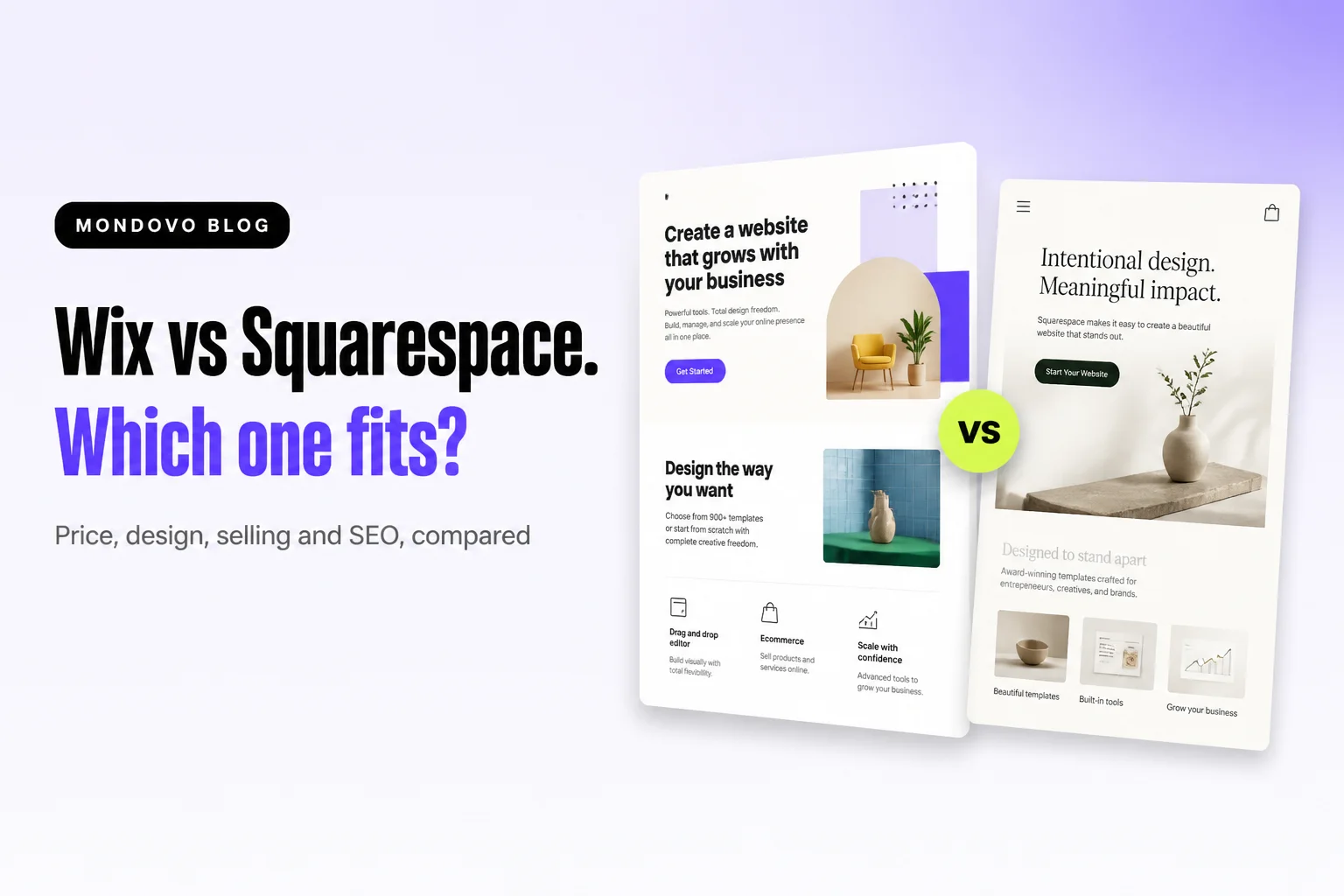
Choose Squarespace if you want a site that looks polished with little effort, and you are happy to work inside its well-made templates. Choose Wix if you want more features, more apps and more freedom over where things go, and a free plan to start on. On price they are close: about $17–$19 a month for a basic site billed yearly, and $29 a month on either to sell without extra platform fees.
Everything below comes from Wix's and Squarespace's own pricing, feature and help pages, read on 20 October 2026, in US dollars. Wix's plans page shows regional prices, so its US prices were confirmed with an independent pricing review. We make Mondovo, a different website builder. It isn't part of this verdict, and there is a short note on it at the end.
Wix vs Squarespace at a glance
| Wix | Squarespace | |
|---|---|---|
| Free plan | Yes, with a Wix banner ad and a Wix address | No: a 14-day free trial |
| Cheapest plan with your own domain | Light, $17/mo billed yearly | Basic, $19/mo billed yearly ($25 monthly) |
| Selling online | From Core, $29/mo billed yearly | Every plan; 2% fee on Basic, 0% from Core ($29/mo) |
| Templates | 2,000+ | Count not published |
| Switch template after launch | No | No (on current version 7.1) |
| Editor | Drag and drop, plus the Harmony AI editor | Fluid Engine section-based drag and drop |
| AI site builder | Yes, with the Aria assistant | Yes, Blueprint AI |
| Support | 24/7 callback; chat on weekdays | 24/7 email; chat on weekdays; no phone |
Who should choose which
- Squarespace suits creatives, restaurants, portfolios and small shops that want a clean, consistent look, and owners who would rather not make many design decisions.
- Wix suits small businesses that need a specific feature (bookings, events, a members area), anyone who wants to start free, and people who like placing elements exactly where they want them.
Pricing
| Wix (billed yearly) | Price | Squarespace | Yearly / monthly billing |
|---|---|---|---|
| Light | $17/mo | Basic | $19 / $25 |
| Core | $29/mo | Core | $29 / $39 |
| Business | $39/mo | Plus | $49 / $65 |
| Business Elite | $159/mo | Advanced | $99 / $139 |
Both include a free domain for the first year on an annual plan. Wix's Light plan cannot take payments: selling starts on Core. Squarespace lets every plan sell, but Basic adds a 2% fee on store sales, so a growing shop is better off on Core. At the entry level, Wix is $2 a month cheaper. At the selling level they are the same.
Winner: tie. Wix is slightly cheaper to start on, and has a free plan to try things out. Squarespace's annual pricing is simpler to read.
Design and templates
Squarespace is known for its templates, and its section-based editor keeps layouts tidy, so a beginner's site still looks designed. Wix offers more than 2,000 templates and freer placement, which gives you more control and more ways to make a mess.
The rule that matters most: neither lets you switch template on an existing site. Wix says "it's not possible to switch to a different template for a site you already created". On Wix, a new look means a new site, and things like store data, bookings and members don't move across. Squarespace says "You can't switch templates in version 7.1". You can change colours, fonts and page types instead.
Winner: Squarespace for good-looking results with little effort. Wix if you want freedom.
Ease of use
Both are built for non-designers. Squarespace's Fluid Engine editor is drag and drop within a grid, which keeps things aligned. Wix's drag and drop is freer. Its newer Harmony editor adds AI prompting for pages and sections, then lets you edit by hand "down to the last pixel".
Winner: Squarespace for the fewest decisions. Wix if you want the most freedom.
Selling online
Wix's stores start on Core ($29/mo), with up to 1,000 variants per product. Wix Payments in the US charges 2.9% + $0.30 per online transaction. Squarespace can sell on every plan and sell unlimited products, with card rates from 2.9% + $0.30. It charges a 2% store fee on Basic and none from Core. Squarespace also sells subscriptions and digital goods, with a fee on digital content and memberships of 7% on Basic, falling to 0% on Advanced.
Winner: tie at $29 a month. Squarespace if you want to sell a few things on its cheapest plan, accepting the 2% fee.
SEO
Both cover the basics: page titles and descriptions, an automatic sitemap, structured data and redirects. Wix documents more advanced controls. You get editable robots.txt and canonical tags, bulk 301 redirects (up to 500 URLs per import), and an AI Visibility tool that tracks how AI assistants mention your site. Squarespace's redirects only work once the old page is deleted or disabled. Its list holds about 2,500 lines.
Winner: Wix, for the extra control. Either is fine for a typical small-business site.
AI features
Both now build a starting site from a description. Wix's AI site builder is part of Harmony, with Aria as an assistant inside the editor. Squarespace's Blueprint AI generates a multi-page site with copy and images, then hands you over to the normal editor. Squarespace meters AI with credits: a one-time 10 on Basic, and 20 to 120 a month on higher plans.
Winner: Wix, for AI that stays with you while you edit.
Support
Wix offers a 24/7 callback service and weekday chat at no charge. Squarespace offers 24/7 email and weekday live chat, with no phone support.
Winner: Wix, if you want to talk to someone.
The verdict
Pick Squarespace for the best-looking result with the least effort, especially for creative work and small shops. Pick Wix for more features, a free plan, more SEO controls and phone callbacks. On a price-per-feature basis there is little in it.
Not sold on either? A third option
Both lock you to one template once your site exists. Mondovo works differently. You describe your business, approve a plan of what each page says, and get three complete designs of it, so you choose the look after seeing your own content in it. You can switch the live design later without retyping anything. Booking, payments, a store and forms are included. Building is free, and a live site on your own domain is $20 a month. See Mondovo vs Wix or Mondovo vs Squarespace for a detailed comparison.
Frequently asked questions
Is Wix or Squarespace better?
Squarespace is better for polished design with little effort. Wix is better for flexibility, a free plan and more features. On price they are within a few dollars of each other.
Is Wix or Squarespace cheaper?
Wix is slightly cheaper to start: $17 a month billed yearly against $19 for Squarespace. To sell online without platform fees, both cost $29 a month billed yearly.
Can I switch templates on Wix or Squarespace?
Not on an existing site. Wix says it is not possible to switch a site's template, and Squarespace says you can't switch templates in version 7.1. You change colours, fonts and layouts instead, or start a new site.
Which is better for SEO, Wix or Squarespace?
Both handle the essentials. Wix documents more advanced controls, such as bulk redirects and editable robots.txt and canonical tags. Your content still matters more than the platform.
Does Squarespace have a free plan?
No. Squarespace offers a 14-day free trial, then a paid plan from $19 a month billed yearly. Wix has a free plan with a Wix banner ad and a Wix address.
Can I move from Wix to Squarespace?
There is no one-click move between them. You rebuild the site on the new platform and redirect your old page addresses to the new ones.