Blog
The best Wix alternatives in 2026, compared
Squarespace, WordPress, Webflow, Framer, Shopify, Hostinger, Carrd and Mondovo: who each Wix alternative suits, what it costs, and how to move off Wix.
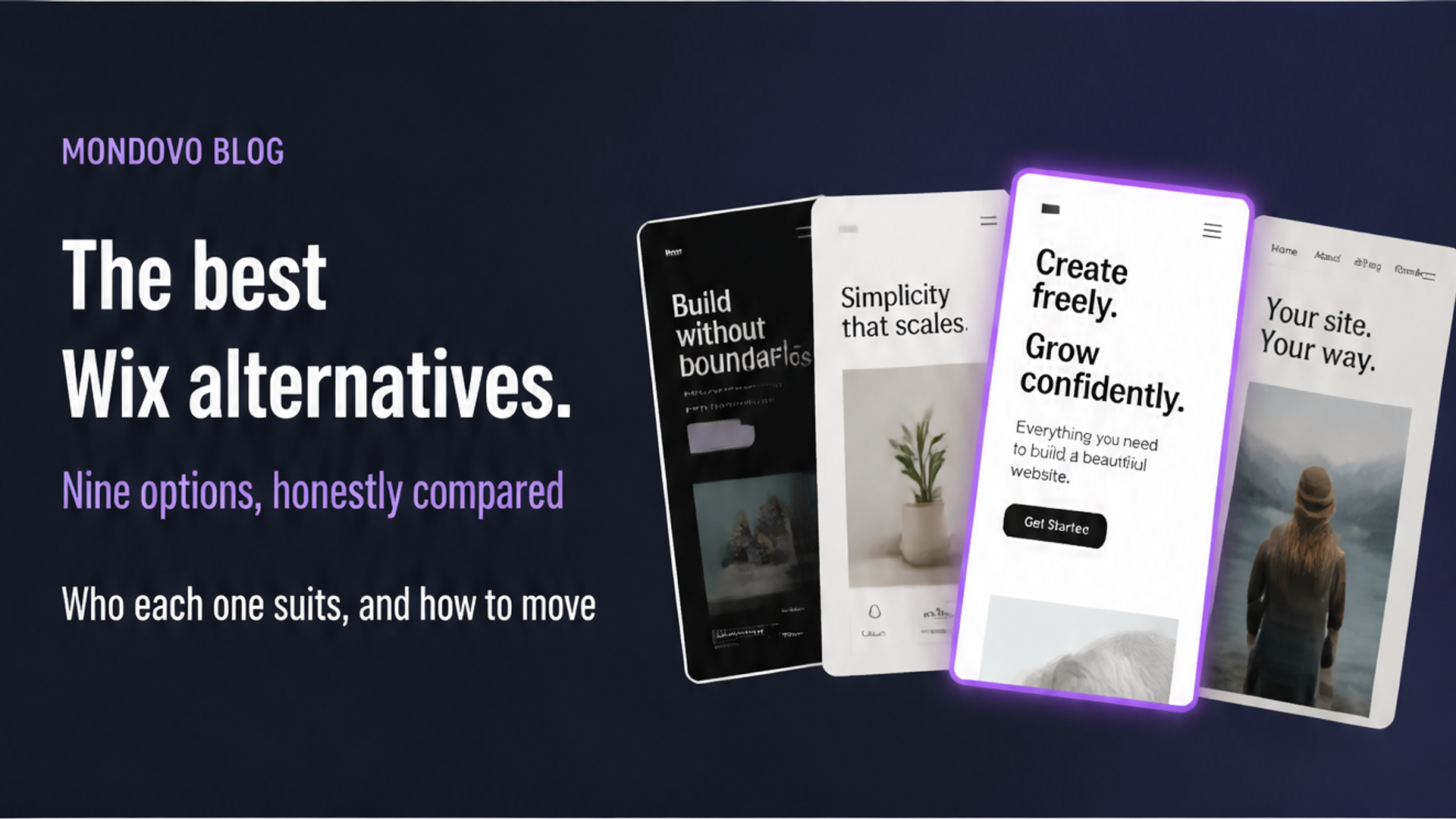
The best Wix alternative depends on why you are leaving. Squarespace is the closest swap if you want better-looking defaults with less fiddling. WordPress is the answer if you want to own your site and extend it with plugins. Webflow and Framer suit designers who want more control. Shopify is the specialist for a serious online store, Carrd for a single page on a tiny budget, and Hostinger for the lowest upfront price. Mondovo suits a business that wants several finished designs to choose from and its old site brought across for it.
Facts below come from each company's own pricing and help pages, read on 28 October 2026 (Webflow's, which we could not load that day, on 20 October). Prices are in US dollars per month unless stated; Wix's own plans page says "Prices and currency vary by location", so check its checkout for your country. We make Mondovo, which is one of the options listed. It is marked as ours, and each entry says who it does not suit.
Why people look for a Wix alternative
Wix is a capable builder, and for many businesses it is the right one. The reasons people leave tend to be the same few, and they are worth checking against your own situation before you move:
- You can't take the site with you. Wix's help centre says a site "needs to be hosted and operated on Wix's servers" and that its "SaaS architecture does not support external hosting" (Wix Help).
- Blog posts don't export. "Currently, it is not possible to export blog posts to other platforms," says Wix's own feature-request page. Store products and CMS collections do export to CSV.
- The template is fixed. Wix explains that switching templates means creating a new site, so a redesign is a rebuild (Wix Help).
- Price. Wix prices vary by location, and features such as taking payments start on its Core plan rather than Light.
The best Wix alternatives at a glance
| Alternative | Best for | Price from (own domain) | Watch out for |
|---|---|---|---|
| Squarespace | Polished design with little effort | $19/mo billed yearly ($25 monthly) | One template family; 2% store fee on Basic |
| WordPress.com | Plugins and ownership, hosted for you | $4/mo billed yearly ($9 monthly) | More to learn; plugins on paid plans only |
| WordPress.org | Full control on your own hosting | Free software, plus hosting | Updates and security are your job |
| Webflow | Designers who want precise control | Basic, $15/mo billed yearly | Steep learning curve; CMS costs more |
| Framer | Fast, animated marketing sites | Basic, $10/mo with yearly billing | 30 pages on Basic; no built-in store |
| Shopify | A serious online store | Basic, $29/mo billed yearly ($39 monthly) | More than you need for a brochure site |
| Hostinger Website Builder | The lowest upfront price | $2.49/mo on a 48-month prepaid term | Renews at $10.99/mo |
| Carrd | A single page on a tiny budget | Pro Standard, $19 a year | One-page sites; no blog or store |
| Mondovo (ours) | Three finished designs, old site brought across | $20/mo, building is free | Younger product; smaller app ecosystem |
1. Squarespace: the closest swap
Squarespace is what most people compare Wix with, and for good reason. Its templates and section-based editor make a tidy site hard to get wrong, it can sell on every plan, and it includes a free domain for the first year on annual plans. Plans run from Basic at $19 to Advanced at $99 a month billed yearly (Squarespace pricing). There is no free plan, only a 14-day trial.
Choose it if you want a better-looking default with fewer decisions. Skip it if you need lots of apps or freedom to place things anywhere: Wix gives you more of both. Our Wix vs Squarespace comparison goes through it row by row.
2. WordPress: for ownership and plugins
WordPress is the opposite of Wix in one important way: you can take it anywhere. Self-hosted WordPress.org is free software you install on hosting you choose. WordPress.com hosts it for you from $4 a month billed yearly, and allows plugin installation on every paid plan. Either way you get the largest plugin and theme ecosystem on the web.
Choose it if you need a specific plugin, run a big content site, or want to own the software. Skip it if you left Wix to have less to manage: self-hosted WordPress needs regular updates to the core, theme and plugins. See Wix vs WordPress.
3. Webflow: for designers
Webflow is a visual design tool built on real HTML and CSS, with hosting and a CMS. It gives a designer far more control than Wix, and its Basic site plan starts at $15 a month billed yearly ($25 monthly), with CMS features on a higher plan (Webflow pricing).
Choose it if a designer will build and look after the site. Skip it if you want to edit it yourself without learning a professional tool. See Webflow vs WordPress.
4. Framer: for fast, animated marketing sites
Framer is a design canvas that publishes straight to the web. Its Basic plan is $10 a month and Pro $30 a month with yearly billing selected, and both include a custom domain. Basic allows 30 pages and 2 CMS collections; Pro allows 150 pages and 10 collections (Framer pricing). There is no built-in store; selling happens through third-party plugins.
Choose it if you want a striking, animated site and you are comfortable in a design tool. Skip it if you need bookings, a store or a large site. See Framer vs Webflow.
5. Shopify: for a serious online store
If the reason you are leaving Wix is that your store has outgrown it, Shopify is the specialist. Its Basic plan is $29 a month billed yearly or $39 monthly in the US (Shopify pricing), and its apps, payments and inventory tools are built around selling.
Choose it if selling products is the business. Skip it if you mainly need a service-business website: you would be paying for a store you don't use.
6. Hostinger Website Builder: for the lowest upfront price
Hostinger's builder advertises the lowest monthly figure on this list: $2.49 a month on its Premium plan. That price is for a 48-month term paid upfront ($119.52 today) and renews at $10.99 a month (Hostinger). It includes a free domain for the first year and a 30-day money-back guarantee.
Choose it if you want a simple site at the lowest possible cost and you are happy to prepay. Skip it if you want month-to-month billing, or compare it on the renewal price rather than the introductory one.
7. Carrd: for a single page
Carrd builds one-page sites, and builds them well and cheaply. Pro Lite is $9 a year but has no custom domain or forms; Pro Standard at $19 a year adds a custom domain, forms and payment buttons for up to 10 sites (Carrd plans).
Choose it if you need a landing page, a link-in-bio page or a simple personal site. Skip it if you need several pages, a blog or a store. See our Carrd comparison.
8. Mondovo: for three finished designs, with your old site brought across (ours)
We make Mondovo, so weigh this entry accordingly. Instead of starting from a template, you describe your business or paste the address of your current site. Mondovo reads the pages, shows you a plan of what each page will say, and builds three complete designs with your own content in them. You choose one, and can switch the live design later without retyping anything. Bookings, a store, forms, an enquiry inbox and email are built in, and old page addresses are redirected to the new ones when you move.
That last part matters for a Wix move. Because Wix doesn't export blog posts, the usual route is copying them by hand. Mondovo can read your live pages and import posts from a sitemap address instead. Building is free; a live site on your own domain is $20 a month, and you can download the published site as files if you ever leave.
Choose it if you want to see finished options before you commit, or you are an agency building sites for clients. Skip it if you depend on a particular Wix app, or you want the largest third-party ecosystem: Wix, WordPress and Shopify all have more. See Mondovo vs Wix.
How to move off Wix
- List what you have. Every page, blog post, product, form and booking service, and which ones bring in customers.
- Export what Wix lets you export. Store products and CMS collections export to CSV (products, collections). Blog posts and the site design do not.
- Bring the content across. Copy it by hand, or use a builder that can read your live pages and posts from their addresses.
- Redirect every old address. Point each Wix page address at its new page with a permanent (301) redirect so you keep your search traffic.
- Move the domain, then cancel. Point your domain at the new site, check it works, and only then cancel your Wix plan.
Frequently asked questions
What is the best alternative to Wix?
Squarespace is the closest like-for-like alternative. WordPress is best if you want to own your site and use plugins. Shopify is best for a large online store, Carrd for a single page, and Mondovo if you want three finished designs built from your content.
Is there a cheaper alternative to Wix?
WordPress.com starts at $4 a month billed yearly with your own domain, and Carrd's Pro Standard plan is $19 a year. Hostinger's builder advertises $2.49 a month, but that is on a 48-month prepaid term and renews at $10.99 a month.
Can I export my Wix site to another platform?
Not as a working website. Wix says sites must be hosted on Wix's servers. You can export store products and CMS collections to CSV, but not blog posts or the design, so plan to rebuild or re-import the rest.
Will I lose my Google rankings if I leave Wix?
Not if you redirect every old page address to its new page with a permanent (301) redirect and keep your content. Rankings usually dip briefly during any move; missing redirects are what cause lasting losses.
Is Squarespace better than Wix?
Squarespace is better for polished design with little effort. Wix is better for flexibility, apps and a free plan. Our Wix vs Squarespace comparison covers price, design, selling, SEO and support.
Which Wix alternative is best for a small business?
For a service business, Squarespace and Mondovo need the least upkeep. WordPress suits a business that needs a specific plugin and has someone to maintain it. Shopify suits a business that is mainly a store.