Blog
Website Maintenance Cost: What a Small-Business Site Costs to Run Each Year
The site was paid for years ago, so why does it keep sending invoices? Here's what a year of upkeep really costs, and the WordPress checklist that keeps it in check.
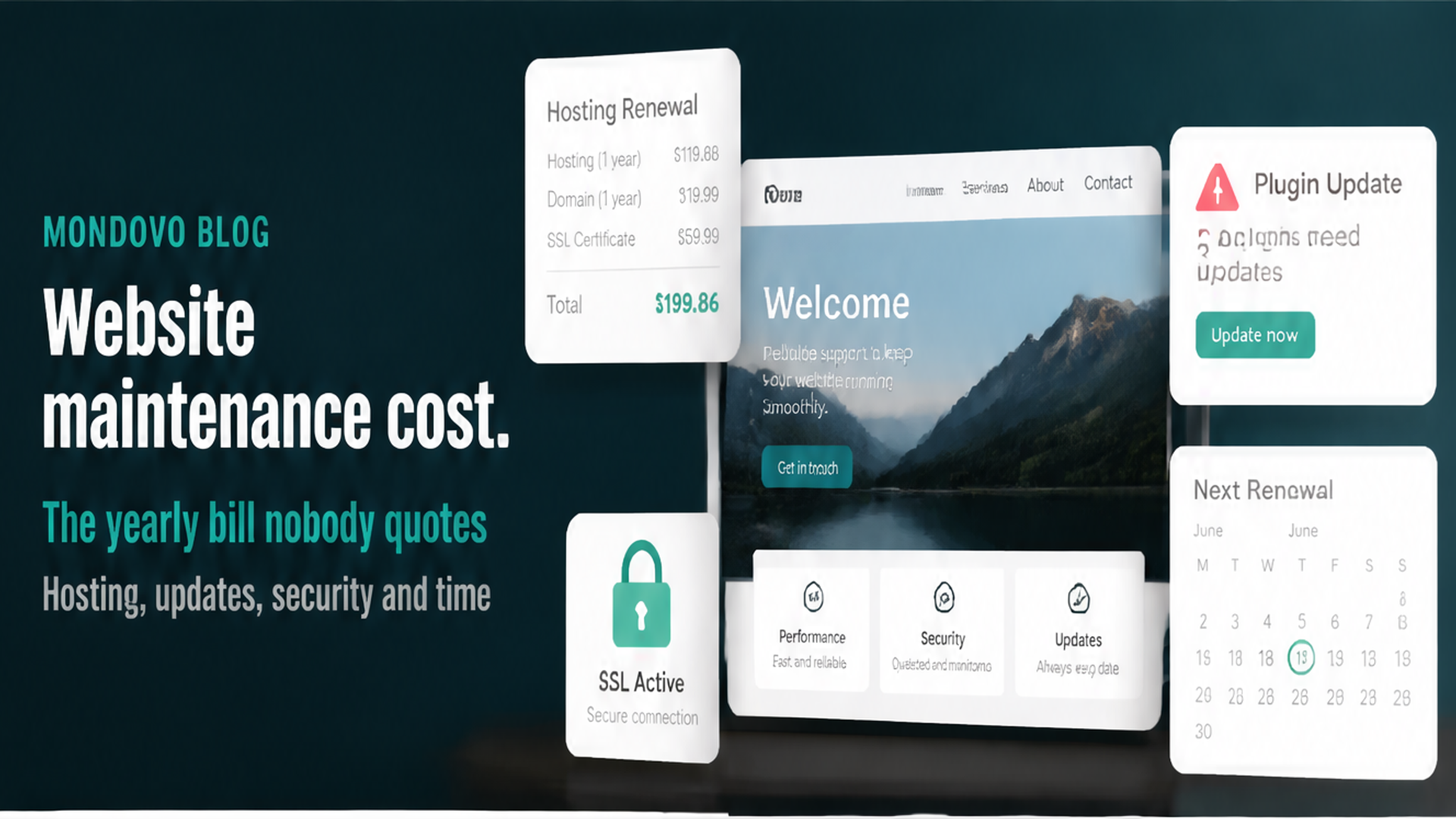
The site was paid for years ago, so why does it keep sending invoices? The hosting renewal that came in at four times last year's price. The SEO plugin licence. The backup plugin licence. The developer who charged an hour to fix the contact form after an update broke it.
That's website maintenance, and most small businesses never budget for it because nobody mentioned it when the site was built. The good news is that it's predictable once you list it. The better news is that most of it is optional, if you pick a platform that does the upkeep for you, which is why we built Mondovo with no plugins, no updates and no backups for you to manage.
Below is what a year really costs, line by line, the WordPress maintenance checklist if you're staying put, and where Mondovo lands on each line.
The short answer
A self-managed WordPress site typically runs a few hundred dollars a year in hosting, domain and plugin licences, plus a few hours of your time every month. Hosting at renewal prices alone is about $120 to $216 a year.
A WordPress site with a developer or care plan costs much more. WebFX's maintenance pricing guide says small businesses typically pay $3,600 to $12,000 a year for website maintenance.
A website builder folds hosting, security and updates into the plan, about $48 to $240 a year for the cheapest plan with your own domain.
Mondovo is $240 a year for Pro: one live site on your own domain, with hosting and SSL, and nothing to update, patch or back up. Editing is free. Your domain is the only other line.
Website maintenance cost at a glance
| Cost | Self-hosted WordPress, per year | Mondovo, per year |
|---|---|---|
| Hosting | Cheap intro price, then about $120–$216 at renewal | Included in Pro ($20 a month) |
| Domain | About $11 for a .com at a no-markup registrar | The same: your domain stays registered with you |
| SSL certificate | Free from Let's Encrypt or your host | Included |
| Plugin and theme licences | $0 to a few hundred dollars (e.g. $118.80 for Yoast SEO Premium, $70 for UpdraftPlus Premium) | None: no plugins or themes to buy |
| Backups and security | A plugin, a service, or your host | Nothing to back up; platform security is our job |
| Updates | Core, theme, plugins and PHP, every month | None |
| Developer or care plan | Optional, from about $350 a month at an agency | Not needed for upkeep; editing is free |
| Your time | A few hours a month | Keeping your content current |
What you pay for, line by line
Hosting: the renewal is the real price
This is where the shock usually comes from. The intro prices need a long prepay, and the renewal is several times higher:
- Hostinger Premium is $2.49 a month on a 48-month term, then $10.99 a month.
- Bluehost Starter is $3.99 a month on a 36-month term, then $9.99.
- SiteGround StartUp is $2.99 a month for 12 months, then $17.99. Six times the first price.
So budget on the renewal figure, not the banner. That's roughly $120 to $216 a year for shared WordPress hosting.
Mondovo: hosting and SSL are part of the $20 a month, with no multi-year prepay and no intro rate that jumps at renewal. Pages are published as static files from a global network.
Domain and SSL: small, but watch year two
A .com is about $11 a year at a registrar that doesn't mark it up: Porkbun lists $11.08 and promises the same price at renewal, and Cloudflare sells domains at cost. A "free domain for the first year" from a host or builder renews at whatever they charge after that.
The padlock certificate is free from Let's Encrypt, and good hosts include it. If someone is billing you yearly for a basic one, ask why.
Mondovo: SSL is included with your live site. The domain is separate and stays yours, wherever you registered it.
Plugin and theme licences: the subscriptions you forgot
Free plugins are free. The premium versions are yearly subscriptions, one per site, and they add up quietly. Yoast SEO Premium is $118.80 a year for one site. UpdraftPlus Premium, a popular backup plugin, starts at $70 a year for up to two sites, and its page says subscriptions renew automatically. Add a premium form builder, a page builder or a security plugin and you can be paying several hundred dollars a year before anyone touches the site.
Let a licence lapse and the plugin usually keeps working, but you stop getting updates. That's how a site ends up running old code with known holes in it.
Mondovo: there are no plugins, so there are no licences. Forms with an enquiry inbox, bookings with deposits, an online store, contacts and email are built in. The trade-off is that there's no plugin directory either, so if your site depends on one niche plugin, WordPress is still the place for it.
Backups and security: cheap to do, expensive to skip
Most WordPress trouble starts in plugins. Patchstack's State of WordPress Security in 2026 counted 11,334 new security flaws in the WordPress ecosystem in 2025. 91% were in plugins and 9% in themes. Nearly half had no fix available when they were made public, and the most dangerous ones were typically attacked within about five hours.
That's why backups and prompt updates aren't optional extras. Cleaning up a hacked site costs far more than a year of prevention, and I've written separately about whether WordPress is secure and what keeps it that way.
Mondovo: there's no core, theme, plugin or PHP to patch, and no backups to take. No website is risk-free, but with no plugins on your site, the category Patchstack found 91% of flaws in isn't there.
A developer or retainer: paying someone to do the list
If you'd rather not do the upkeep yourself, someone has to. WebFX, which publishes its own prices, lists a WordPress maintenance plan at $350 a month for sites up to 500 pages, with daily security scans, daily off-site backups and quarterly upgrades, and charges $150 an hour for extra work. That's $4,200 a year before anyone changes a word on your site.
A freelancer will usually be cheaper, but it's still a monthly bill for keeping the lights on.
Mondovo: there's no upkeep to hand over, and editing is free: change a price or a photo right on the page, or ask for the change in words. You can also edit from inside ChatGPT or Claude through the Mondovo connector.
Your own time
The cost nobody invoices. Logging in, running updates, checking nothing broke, renewing licences, testing the contact form. Call it a couple of hours a month on a well-behaved site, and a lost Saturday whenever an update goes wrong.
If you'd rather spend that time on the business, try Mondovo free: paste your current address and it builds three designs from your own pages.
The WordPress maintenance checklist
If you're staying on WordPress, this is the routine that keeps a small site healthy. Print it, put it in the calendar, and decide who owns it.
Every week
- Check for security updates to WordPress, your theme and plugins, and install them promptly. Turn on automatic updates where you trust them.
- Confirm a backup ran. WordPress's own backup guide says smaller sites should be backed up once a week, and busy ones daily. Back up both the database and the files.
- Glance at the site on your phone: home page, contact page, booking page.
Every month
- Install all pending updates, taking a backup first. WordPress's guide says to "always" back up before an upgrade.
- Test every form by sending yourself an enquiry. A broken form loses work silently.
- Check for broken links and pages that no longer load.
- Remove users who've left, and make sure everyone with a login uses a strong, unique password and two-step login.
Every quarter
- Audit your plugins. Delete any you don't use (don't just switch them off), and replace any that haven't been updated in a long time.
- Test a restore. The backup guide recommends keeping several recent backups in different places, such as cloud storage and your own computer, and an occasional manual check that the process works. A backup you can't restore isn't a backup.
- Check your PHP version. PHP's supported-versions page shows PHP 8.2's security support ending on 31 December 2026. If your host still runs 8.2 or older, ask them to move you, and test the site after.
Every year
- Check renewal dates and prices for hosting, domain and every plugin licence. Cancel what you don't use.
- Review speed and mobile layout, and any pages with old prices, staff or opening hours.
- Ask your host what they back up, how often, and what happens if the site is hacked.
Mondovo: almost all of that list disappears. No core, theme, plugin or PHP updates, no backups to run or test, no plugin audit and no licences to renew. What's left is the part that's really yours: keeping prices, photos and opening hours current, and checking your enquiries come in.
Adding it up for a small business
- WordPress, done yourself: about $120 to $216 for hosting at renewal, about $11 for the domain, and $188.80 if you buy just Yoast SEO Premium and UpdraftPlus Premium. Roughly $320 to $415 a year, plus your time.
- WordPress with an agency care plan: $4,200 a year at WebFX's $350 a month, plus hosting and domain. WebFX's typical small-business range is $3,600 to $12,000.
- Mondovo: $240 a year for Pro, plus your domain. Hosting, SSL and upkeep are in that number, and edits are free.
Hostinger's four-year prepay is still cheaper on paper for a bare site, and plenty of WordPress owners run a tidy site for less than a care plan costs. The difference is who does the work.
Why we built Mondovo so there's nothing to maintain
Everything at the top of this post, the renewal shock, the licences, the update that broke the form, comes from running software you didn't write on a server you don't control. Mondovo removes that layer.
- No updates. No core, theme, plugin or PHP version to keep current, ever.
- No backups to manage. Pages publish as static files from a global network, and platform security is our job.
- One price. Pro is $20 a month for one live site on your own domain, with hosting and SSL. Building, redesigning and editing are free.
- Moving off WordPress is mostly automatic. Paste your address and Mondovo reads your pages, posts, images, logo and colours, then builds three designs with your content. Blog posts and products import in bulk. Every old address, WordPress-style links included, is redirected (301) to the closest new page, and anything that didn't match exactly is flagged.
The limits: Mondovo is younger than WordPress, with no plugin directory, and forms, bookings and a store are set up fresh rather than copied from old plugins. A shop's order history doesn't come across. The WordPress migration page lists what moves.
Paste your site's address and see it on Mondovo, free.
Costs checked on 28 October 2026 (hosting and domain prices on 20 and 21 October, Patchstack figures on 22 October). They change, so check the linked pages before you buy.
Frequently asked questions
How much does website maintenance cost per year?
For a self-managed WordPress site, a few hundred dollars a year in hosting, domain and plugin licences, plus your time. With an agency, WebFX says small businesses typically pay $3,600 to $12,000 a year. On a website builder, upkeep is part of the plan.
What does WordPress maintenance include?
Updating WordPress, the theme, plugins and PHP; taking and testing backups; security monitoring; checking forms and links; and renewing hosting, the domain and plugin licences.
How often should I update WordPress?
Install security fixes as soon as they're out, and everything else at least monthly, with a backup first. The most dangerous plugin flaws are typically attacked within hours of going public.
Is there a website platform with no maintenance?
On Mondovo there's no core, theme, plugin or PHP to update and no backups to manage, and hosting and SSL are included in $20 a month. You still keep your own content current, and editing is free.
Can I stop paying for a WordPress care plan?
Yes, if someone else takes over the updates and backups, or you move to a platform that doesn't need them. If you move, keep your old addresses working with 301 redirects so your rankings come with you.