Blog
12 automations for your website's leads: CRMs, Sheets, Slack, email and more
Twelve automations that turn website enquiries, bookings and payments into CRM records, tasks, follow-ups and ad audiences, which of Zapier, Make or n8n fits, and which ones need no automation tool at all.
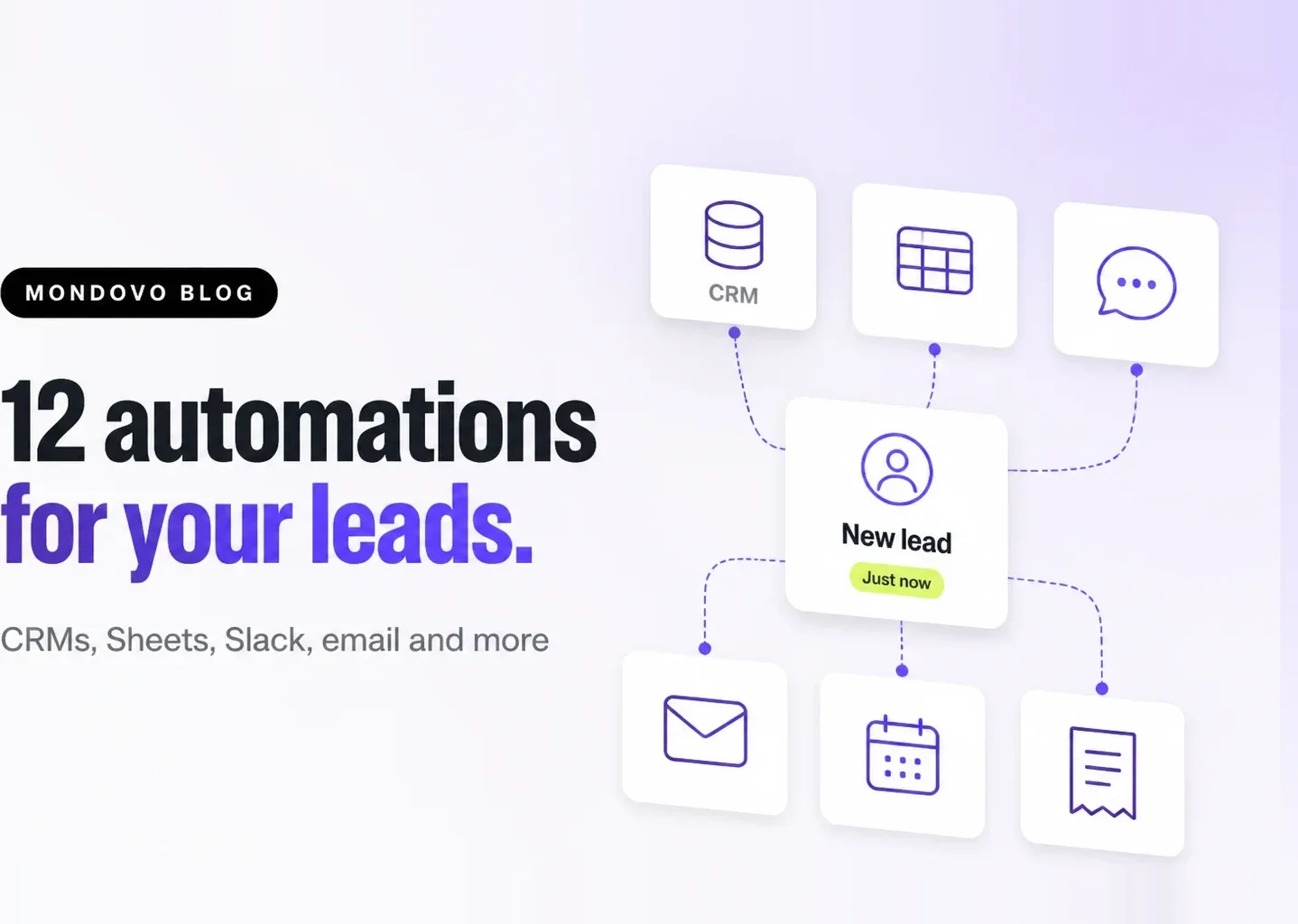
A website lead is worth the most in its first few minutes. The quickest way to act in time is to stop copying leads by hand: let each new enquiry, booking or payment trigger the next step on its own. Below are twelve automations small businesses and agencies use most, which tool fits each, and which ones your website builder may already do without an extra subscription.
Examples use a Mondovo site, which can send leads, contacts, bookings and payments to Zapier, Make, n8n or any webhook, free on every plan. Tool details were checked on 4 November 2026; check each tool's own pricing page before you buy.
Zapier, Make or n8n: which one?
| Tool | Best for | Free option | Webhook trigger |
|---|---|---|---|
| Zapier | The widest app catalog and the simplest editor | Free plan, 100 tasks a month, two-step Zaps | Paid plans only |
| Make | Visual, multi-branch scenarios at a lower price per run | Free plan, 1,000 credits a month | Custom webhook module |
| n8n | Technical teams who want to self-host or write code steps | Self-hosted Community Edition (you pay for the server) | Webhook node |
Pipedream, Pabbly Connect and Activepieces work the same way and are worth a look if price per run matters most. Setup steps for each tool are in How to connect your website to Zapier, Make or n8n.
Send leads to your CRM
1. Create or update the contact in HubSpot, Salesforce, Pipedrive, Zoho or GoHighLevel
Trigger on Form Submitted and use the CRM's "create or update contact" action, matching on email so a returning lead updates the record instead of duplicating it. Add the form name or page as the lead source so your reports show which page sells.
2. Open a deal for high-intent forms only
Quote and booking forms usually deserve a deal; a newsletter signup does not. Give the quote form its own webhook (in Mondovo, each form can have one), or add a filter step on the form name, and create the deal only there.
3. Tell sales when a known lead comes back
Contact Revisited fires when a known contact returns to your site, with the page they viewed. Pricing-page visits from an open lead are a good moment for a call: post them to the deal's owner or add a CRM task.
Keep a record your team can use
4. Add each lead to Google Sheets or Airtable
A shared sheet is still the quickest reporting tool for many teams. On Mondovo you do not need an automation for Google Sheets: Site settings → Settings → Google Sheets syncs submissions directly. Use Zapier or Make when the destination is Airtable, Notion or Excel.
5. Turn bookings into tasks in Trello, Asana, ClickUp or Monday
Trigger on Booking Created and create a card with the service, time and the person's details, so prep work is assigned before the appointment. A Booking Cancelled trigger can archive it again.
6. Log payments in QuickBooks or Xero
Payment Completed carries the amount, currency, customer name and email. Create a sales receipt or invoice record in your accounting tool so the books match without exports.
Reply faster
7. Alert the team in Slack, Microsoft Teams, Discord or Google Chat
Instant alerts are the simplest win. Mondovo sends lead, booking and payment alerts to these four directly, with no Zap (see Get alerts in Slack, Teams, Discord or Google Chat). Use an automation tool only to post somewhere else, such as WhatsApp groups via a provider, or to route alerts by service or region.
8. Send a personal follow-up email or text
Mondovo journeys can reply to a new lead, wait, and follow up by email or SMS, built in (see Build a journey that follows up for you). If your email lives elsewhere, a Zap can send from Gmail or Outlook instead, so the reply comes from your own inbox.
9. Add the lead to your email list
Trigger on Contact Created and add the contact to Mailchimp, Brevo, ActiveCampaign or Klaviyo with a tag for the form they used. Only subscribe people who agreed to marketing: send the consent field from your form and filter on it.
Grow and measure
10. Build ad audiences from your leads
Customers who already booked or paid make the best lookalike audience, and the worst people to show "book now" ads to. Add paying customers to a Facebook or Google Ads customer list from Payment Completed. Mondovo can also export a contact segment as an ads audience directly.
11. Ask for a review after a completed booking
Booking Completed is the right moment to ask. Wait a day, then send your Google review link by email or SMS. Keep the request the same for every customer: review platforms do not allow asking only happy ones.
12. Keep one master list across several sites
Agencies running many client sites can send every site's leads to one Make scenario or n8n workflow, use the site each event carries (its site id) to route each lead to the right client's CRM or sheet.
Tips that save hours later
- Start with one event. A webhook can carry every event, but a workflow per event is easier to fix.
- Filter test entries. Mondovo test sends are marked
_test: true; filter them out before the CRM step. - Match on email. Use "create or update", not "create", so repeat enquiries do not duplicate contacts.
- Watch the delivery log. If an automation goes quiet, the webhook's log shows whether the tool refused the delivery.
Frequently asked questions
Do I need Zapier to send website leads to Google Sheets or Slack?
Not on Mondovo. Google Sheets sync and alerts to Slack, Microsoft Teams, Discord and Google Chat are built in. Use Zapier, Make or n8n for other apps, such as a CRM, an email list or accounting software.
Is Make cheaper than Zapier?
Often, for the same number of runs: Make's Free plan includes 1,000 credits a month and its paid plans are typically cheaper per run, while Zapier's webhook trigger needs a paid plan. Zapier has more ready-made app connections and a simpler editor. Compare both on their own pricing pages for the volume you expect.
Can an automation add contacts into Mondovo?
Mondovo apps for Zapier and Make are on the way, and will let you create and update Mondovo contacts from other tools. Until they are listed, sending leads out of Mondovo works today with a webhook, and developers can use the Mondovo API.
Which Mondovo plans can use webhooks?
All of them, including Free. Webhooks for leads, contacts, bookings and payments cost nothing on Mondovo.