
Send a file to Mondovo on WhatsApp the way you would to a colleague, and say what you need in the caption or the next message. Mondovo reads it and answers, or uses it for the job you asked for.
What it reads
- Photos (JPG, PNG, WebP): it sees the picture. "Use this as the hero image", "What colours does this design use?"
- PDFs: a menu, a price list, a brochure or a brief, read word for word. "Put this menu on the site", "Which item is the most expensive?"
- Text files (TXT, CSV, Markdown): read as they are.
Word and Excel files aren't read yet: save them as a PDF and send that. Files can be up to 10 MB each.
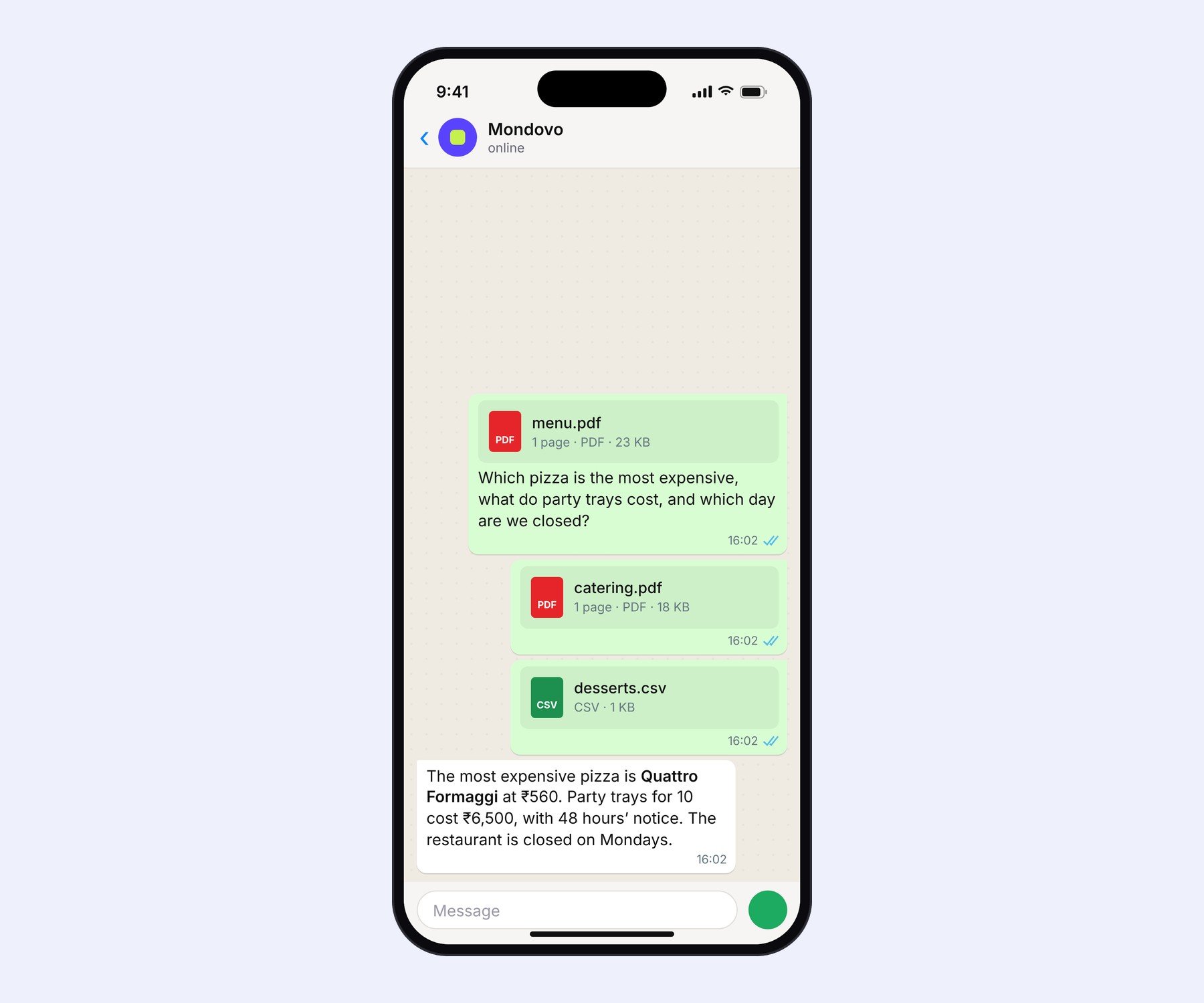
Several files at once
Send them one after another. Files that arrive within a few seconds of each other are treated as one request, so you get one answer that uses all of them.
Where your files go
- If you're working on a site you can edit, photos and documents are saved to that site's Assets, ready to use.
- Otherwise they're kept with your workspace.
- Nothing on a site changes until you approve it.